
Suivi OMS des envois fractionnés : Un statut clair pour plusieurs colis
Envoi fractionné Suivi de l'OMS conserve une commande compréhensible même si elle est expédiée en 2 à 5 colis. L'expédition fractionnée est normale dans le cadre d'un traitement transfrontalier, mais des mises à jour de statut peu claires créent rapidement la panique. Les clients voient “Livré” trop tôt, le suivi devient silencieux et l'assistance est inondée de tickets WISMO.
Ce guide montre comment Postalparcel peut assurer un suivi propre, précis et fiable.
1. Pourquoi les envois fractionnés créent-ils de la confusion ?

Les clients ne détestent pas les paquets fractionnés. Ils détestent les surprises.
Les problèmes les plus courants sont les suivants :
- L'arrêté indique Livré, mais seulement 1 boîte est arrivée
- L'acheteur voit plusieurs numéros de suivi sans explication
- Un colis est mis à jour quotidiennement, un autre reste silencieux pendant des jours
- Le texte du scan du transporteur est confus et incohérent
- Le support ne peut pas dire ce qui manque en une minute
Le suivi OMS des envois fractionnés résout ce problème en créant une histoire claire sur l'ensemble des parcelles.
2. Construire d'abord la bonne structure OMS
Envoi fractionné Suivi de l'OMS fonctionne mieux lorsque votre OMS suit commander la vérité et vérité parcellaire séparément.
2.1 Vérité au niveau de l'ordre et vérité au niveau de la parcelle
Niveau de commande devrait répondre :
- Qu'est-ce que le client a acheté ?
- Qu'est-ce qui est complet par rapport à ce qui est encore en suspens ?
Niveau de la parcelle devrait répondre :
- Où en est chaque parcelle à l'heure actuelle ?
- Que s'est-il passé en dernier lieu et que se passera-t-il ensuite ?
Votre OMS doit stocker ces champs :
- Numéro d'ordre
- ID des parcelles (1..n)
- Mappage article-parcelle (UGS → Parcelle)
- Transporteur + service par colis
- Numéro de suivi par colis
- Temps de numérisation le plus récent par colis
- Jalon normalisé par parcelle
- État récapitulatif de la commande (calculé)
Sans cela, le suivi OMS des envois fractionnés devient toujours désordonné en cas de volume insuffisant.

3. Utiliser des règles de statut que les clients comprennent
Votre plus grand risque est simple : marquage de l'ensemble de la commande livrée trop tôt.
3.1 “Livré” signifie 100% livré
Utiliser cet ensemble de règles :
- Livré = tous les colis livrés
- Partiellement délivré = au moins 1 livré, d'autres encore en mouvement
- En transit = colis en mouvement, aucun livré
- Partiellement expédié = certains colis ont été expédiés, d'autres n'ont pas été expédiés
- Traitement = aucun colis n'a encore été expédié
C'est le cœur de Split Expédition Suivi OMS. Il met fin aux faux litiges concernant la livraison et à la pression exercée sur les remboursements.
3.2 Montrer la suite des événements pour chaque parcelle
Les clients se sentent plus calmes lorsque la page répond :
- “Quel colis arrive en premier ?”
- “Qu'est-ce qui manque encore ?”
- “Le retard est-il normal ou constitue-t-il un problème ?”
Montrez donc prochaine étape prévue pour chaque carte de colis.
4. Normaliser les événements des transporteurs en étapes simples
Les transporteurs utilisent des centaines de phrases de balayage. Les clients veulent une signification claire.
Le suivi OMS des envois fractionnés doit traduire les événements bruts en des étapes cohérentes.

4.1 Une carte pratique en 9 étapes
Utilisez cet ensemble de jalons pour chaque parcelle :
- Commande confirmée
- Emballé
- Label Créé
- Ramassé
- Origine du départ
- En transit
- Arrivée dans le pays de destination
- En attente de livraison
- Livré
Désormais, chaque colis raconte la même histoire, même avec des transporteurs différents.
4.2 Faire en sorte que les exceptions soient bruyantes et non cachées
N'enterrez pas les problèmes sous la rubrique “En transit”. Appelez-les clairement :
- Répondre au problème (nécessité d'une action de la part du client)
- Attente de la douane (attente du dédouanement)
- Livraison tenté (reprogrammation nécessaire)
- Retard dû aux conditions météorologiques (décalage de l'ETA)
- Retour en cours (doit être revu)
Le suivi OMS des envois fractionnés permet de réduire les plaintes en cas de retard. expliqué, pas ignoré.
5. Conception d'une page de suivi de colis multiples qui évite les contraventions pour “article manquant”.
Une excellente interface utilisateur de suivi n'est pas de la décoration. Elle réduit les remboursements et la charge d'assistance.
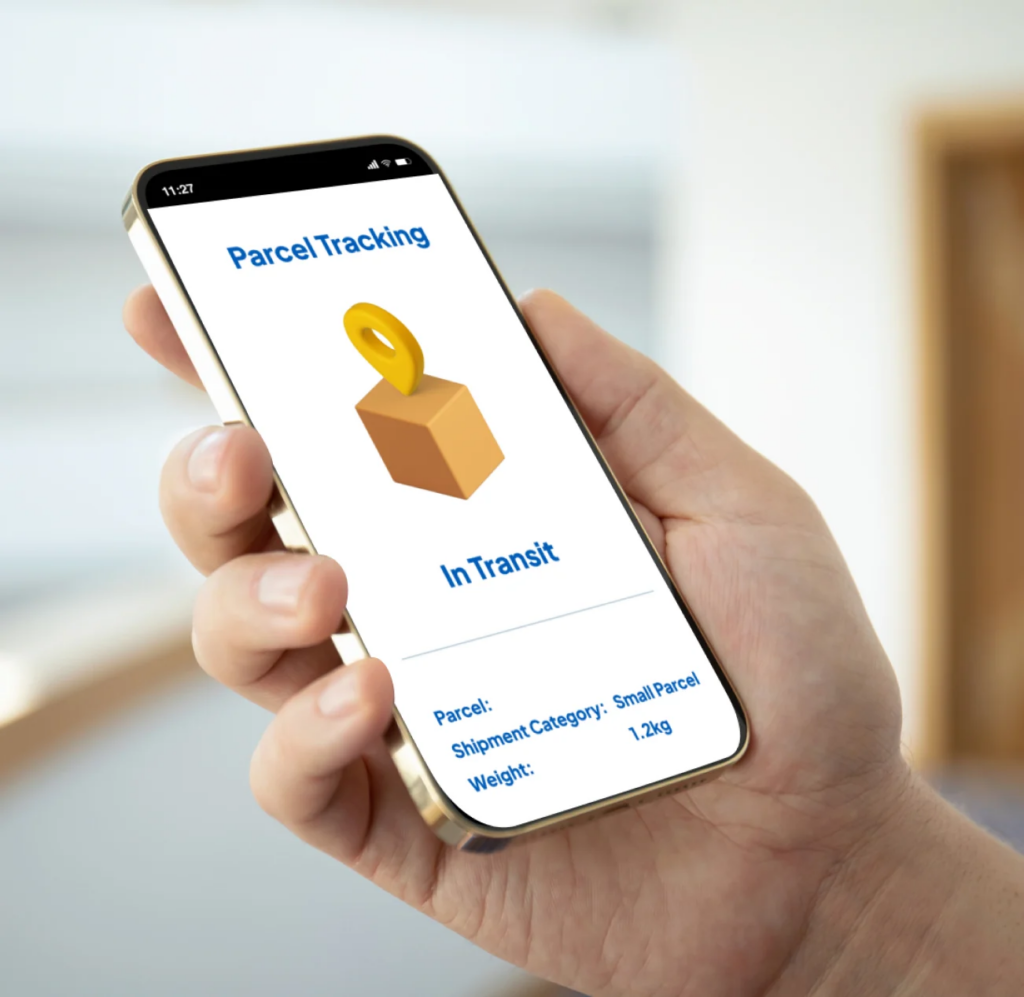
5.1 Une page de commande, plusieurs cartes de colis
Votre suivi devrait s'afficher :
- Résumé de l'état d'avancement de la commande (un état clair)
- Cartes de colis (1..n) avec étiquettes
- Fourchette d'ETA par colis
- Dernière analyse + horodatage
- Nom du transporteur + lien de suivi
- Objets à l'intérieur de chaque colis (meilleure caractéristique)
Étiquettes utiles pour les colis :
- Parcelle 1 de 3 - Points principaux
- Parcelle 2 de 3 - Accessoires
- Colis 3 de 3 - Expédition ultérieure
Le suivi de l'envoi fractionné d'OMS donne ainsi l'impression d'être organisé et prévisible.
5.2 La cartographie parcellaire change la donne
Les clients posent une question plus que toute autre :
“Quelle est la boîte qui contient mon objet ?”
Alors, montrez :
- Nom du poste → Numéro de la parcelle
- Quantité → Numéro de la parcelle
- Statut de la parcelle → statut du poste
Cela permet également aux équipes d'assistance de résoudre les cas plus rapidement, sans avoir à deviner.
5.3 Utiliser une logique multi-ETA (pas une seule fausse date)
Les envois fractionnés arrivent souvent à des dates différentes. N'indiquez pas une date d'arrivée prévue qui ne peut pas être vraie.
Une meilleure approche :
- Premier colis ETA : 18 janvier - 20 janvier
- Parcelles restantes ETA : 22 janvier-26 janvier
Le suivi OMS des envois fractionnés devient digne de confiance lorsque le client sait que ce qui arrive en premier et ce qui arrive en dernier.
6. Un flux de travail OMS qui maintient la stabilité des expéditions fractionnées
Si la décision est prise tardivement, tout s'écroule.
6.1 Utiliser des déclencheurs clairs
Déclencher un fractionnement uniquement lorsque cela est nécessaire :
- Inventaire des navires en provenance de différents endroits
- Dépassement de la limite de poids/taille
- Différents délais de livraison (prêt à l'emploi ou en attente)
- Restrictions imposées aux transporteurs
- Contrôle des risques (séparer les éléments fragiles)
Enregistrez également la raison du fractionnement en interne. Cela facilitera les vérifications ultérieures.
6.2 Verrouiller le plan parcellaire après l'impression de la première étiquette
De nombreux magasins continuent à “re-séparer” après le début de l'expédition. Cela crée :
- duplication des numéros de suivi
- erreurs de mappage des éléments
- lignes temporelles brisées
Expédition fractionnée OMS Le suivi reste stable lorsque vous verrouillez les colis à l'avance.
6.3 Traiter le transfert de plusieurs transporteurs avec des points de repérage

Les colis transfrontaliers changent souvent de transporteur en cours de route. C'est alors que le suivi disparaît.
Pour y remédier, aidez-nous :
- plusieurs numéros de suivi par colis (si nécessaire)
- une ligne du temps cousue pour le client
- détection des transporteurs du dernier kilomètre
Ainsi, le suivi OMS des envois fractionnés permet d'éviter les zones mortes pendant le transfert.
6.4 Envoyer des notifications courtes et proactives
Des mises à jour simples réduisent WISMO les billets rapidement :
- “Le colis 2 a été expédié aujourd'hui. Suivi : XXXX”
- “Colis 1 livré. Le colis 2 est toujours en cours d'acheminement.”
- “Le colis 3 a été retardé par les douanes. Nouvelle date d'arrivée prévue : 25 janvier - 28 janvier.”
Les clients vous font davantage confiance lorsque vous parlez en premier.
FAQ

Q1 : Qu'est-ce que le suivi OMS des envois fractionnés ?
Cela signifie que votre SGD assure le suivi d'une commande pour plusieurs colis, avec un statut clair au niveau du colis et un état récapitulatif correct de la commande.
Q2 : Pourquoi ma commande indique-t-elle qu'elle a été livrée alors que je n'ai reçu qu'une seule boîte ?
Il est probable que votre système marque la livraison de l'ensemble de la commande à l'arrivée du premier colis. Le suivi OMS des envois fractionnés résout ce problème en exigeant que tous les colis soient livrés en premier.
Q3 : Comment faire cesser les plaintes pour “articles manquants” ?
Afficher la correspondance article-colis, les gammes multi-ETA et la mention “Partiellement livré” comme un statut réel.
Q4 : Comment gérer les lacunes dans le suivi pendant le transfert de l'opérateur ?
Utilisez la couture de suivi et la détection du dernier kilomètre pour que chaque parcelle conserve une ligne temporelle continue.
Conclusion
Le suivi OMS des envois fractionnés fonctionne lorsque votre OMS raconte une histoire claire pour chaque colis. Utilisez une logique stricte de “tous les colis livrés”, normalisez les statuts en étapes simples et affichez les cartes de colis avec la cartographie des articles. Cela facilite la lecture du suivi, réduit le nombre de tickets d'assistance et protège votre taux de remboursement.


Aperçu de l'industrie

nouvelles via la boîte de réception
Nulla turp dis cursus. Integer liberos euismod pretium faucibua