
Parcel tracking not updating feels stressful, but most gaps come from normal logistics steps. The key is to identify where the last real scan happened, then take the right action at the right time. This guide covers 9 real reasons your tracking may pause and what to do next, using clear time frames and simple checks you can run on Postalparcel.
1) What “parcel tracking not updating” really means
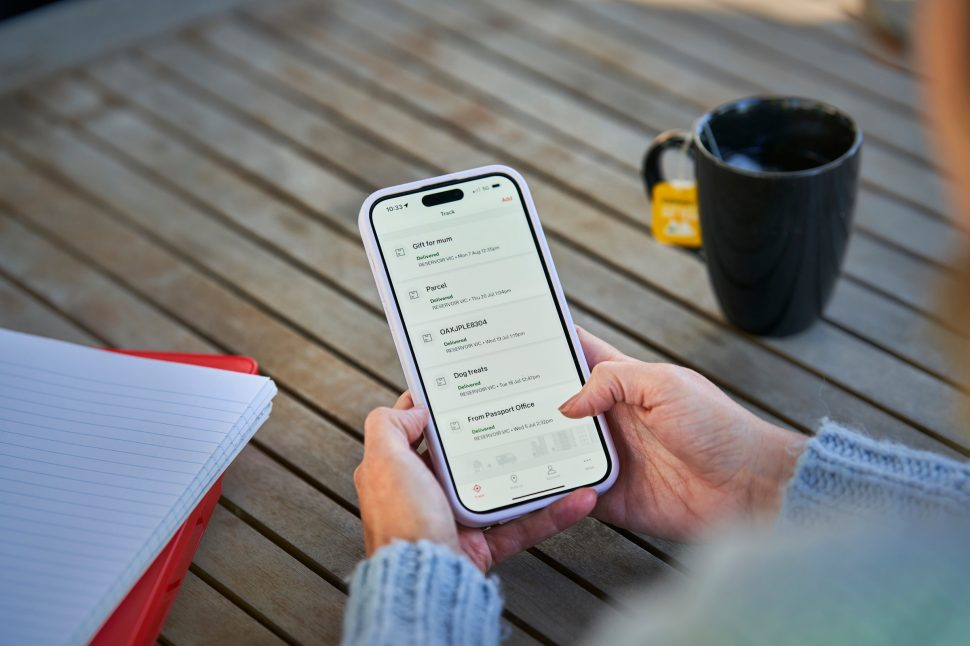
Tracking updates only when a carrier scans the parcel or uploads data. If scans pause, your tracking pauses too. That does not always mean your parcel stopped moving.
Quick signs you’re seeing
- “Label created” stays for days
- “In transit” shows no new events
- The same facility repeats
- Customs status does not change
2) 9 real reasons parcel tracking stops updating
Reason 1: The label exists, but the parcel is not handed over
This happens when tracking shows “Label created” or “Shipment info received.”
What to do
- Ask the sender for the drop-off/pickup date
- If no handover within 48–72 hours, request a status check or reship
Reason 2: The carrier scanned it, but the data feed is slow
Some carriers scan fast but upload later, so updates appear in a batch.
What to do
- Recheck on Postalparcel after 12–24 hours
- Compare timeline wording across carriers if it is cross-border
Reason 3: A hub skipped an intermediate scan
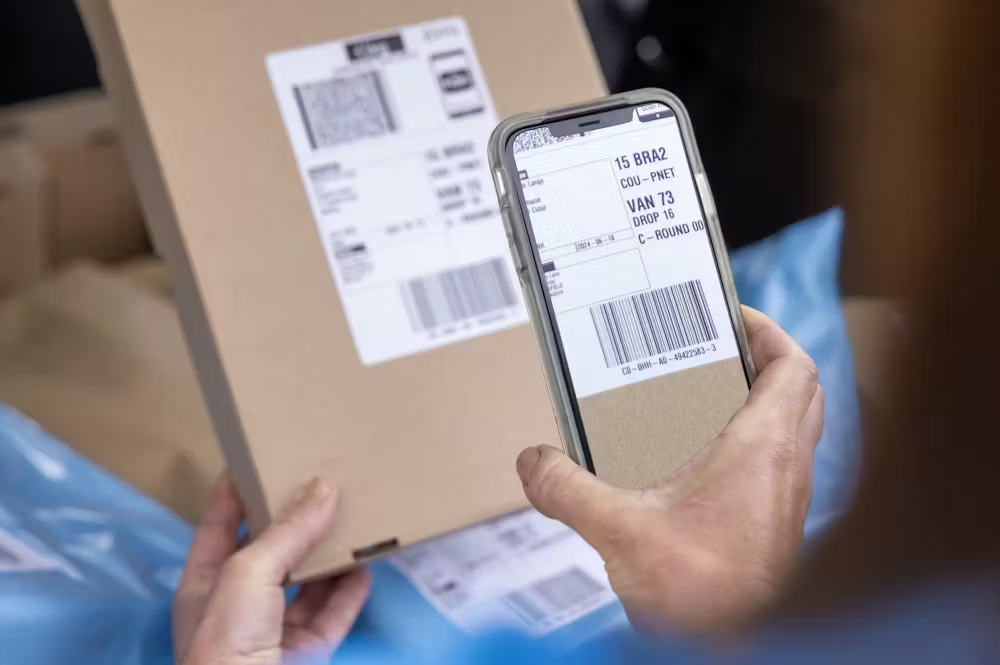
Not every facility scans every parcel, especially on busy days.
What to do
- Look at the last scan city and wait 24–48 hours if it was a major hub
- If it was a small drop-off point, wait 12–24 hours
Reason 4: The parcel entered a long-distance move with no scans
Linehaul (air/sea/truck) often has scan gaps.
What to do
- Domestic routes: allow 2–4 days depending on distance
- International routes: allow 5–10 days depending on lane and handoffs
Reason 5: The parcel switched to a new carrier (handoff gap)
Export carrier ends, then the local carrier starts. That handoff can create silence.
What to do
- Watch for “Transferred to local carrier” or similar events
- If nothing new after 3–5 days, ask the sender for the last-mile carrier name
Reason 6: Customs review is in progress
Customs can pause tracking even when nothing is wrong.
What to do
- Normal range: 1–3 business days, busy periods 3–7, extra checks 7–14+
- Ask the sender for invoice and item description if customs requests documents
- Pay duties quickly if needed
Reason 7: Address details trigger a delay
Small address issues can block delivery attempts.
What to do
- Confirm unit number, phone number, and postal code
- If you already have the local carrier, contact them early to correct details
Reason 8: Tracking says delivered, but you did not receive it
Misdelivery, locker issues, or building reception can cause this.
What to do (fast order)
- Check mailbox, front desk, lockers, safe place
- Ask neighbors/building staff
- Collect evidence (date/time, address, photos if any)
- Open a carrier case within 24–48 hours
- Ask the sender to open a case too
Reason 9: The parcel is on hold (damage, security, return)
Carriers may hold parcels when they detect damage or a restricted item.
What to do
- Ask the carrier for the hold reason
- Confirm item rules for the route
- Work with the sender on re-ship or return if needed
3) What to do next: a simple timeline
Use this to decide when to wait and when to escalate.
0–24 hours without updates
- Normal for many routes
- Recheck on Postalparcel and note the last scan type (label vs accepted)
2–3 days without updates
- Contact the sender for handover proof
- For cross-border, ask for last-mile carrier info
7 days without updates
- Open a carrier inquiry
- Save the timeline and last scan details for your ticket
10–14 days without updates
- Escalate with both sender and carrier
- Request a formal investigation reference number
4) How Postalparcel helps you diagnose faster
Postalparcel is most useful when you treat it as a timeline tool.
What to check
- The last real scan (time + city)
- Any handoff hints (local carrier transfer)
- Repeating “exception/held/returned” wording
What to save for support
- Tracking number
- Last scan date/time and location
- Screenshots of the event timeline
- Order info from the sender (if customs asks)
FAQs
How long can parcel tracking not update and still be normal?
Domestic: 1–3 days can be normal. International: 3–7 days can happen during linehaul or handoffs.
Why does it stay on “Label created”?
Usually the sender printed the label but has not handed over the parcel. Ask for the drop-off date.
Should I contact the carrier or the sender first?
Start with the sender when you only see label-stage events. Contact the carrier when you see acceptance but no movement after a few days.
What if it says delivered but I did not receive it?
Act within 24–48 hours. Check neighbors/building staff, then open a carrier case and collect evidence.
Wrap-up
Parcel tracking not updating usually comes from predictable causes: late handover, slow data uploads, skipped scans, long-distance moves, carrier handoffs, customs pauses, address issues, delivery mismatches, or exception holds. Start from the last real scan, follow the timeline above, and use Postalparcel to keep the event history clear so you can take the next step with confidence.