
Lost Your Tracking Number? How to Track a Parcel Using Order Details
Lost your tracking number? You can still track a parcel using order details if you collect the right info and follow a clear process. This guide keeps it simple, practical, and fast.
1. What order details do you need first?
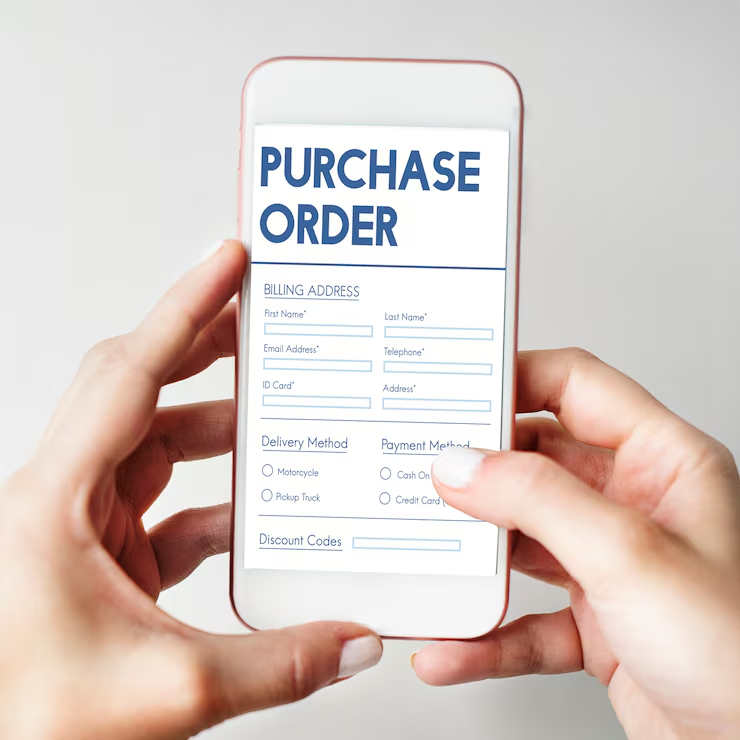
Before you search anywhere, grab these basics. They let you rebuild the shipment trail.
1.1 The 6 details that solve most cases
- Order number / Order ID
- Store or marketplace name
- Order date (and approximate time)
- Recipient name + postcode
- Shipping address (city + street)
- Shipping method (standard/express)
If you only have two things, start with order number and postcode.
1.2 Why these details matter
Carriers track parcels with a tracking code, but sellers and platforms track shipments by:
- order ID
- recipient address
- label creation time
- warehouse dispatch time
So when the tracking number is missing, your job is to locate the shipment record first, then pull the tracking from that record.
2. Find the tracking number inside your email or messages
Most “lost tracking number” problems end here.
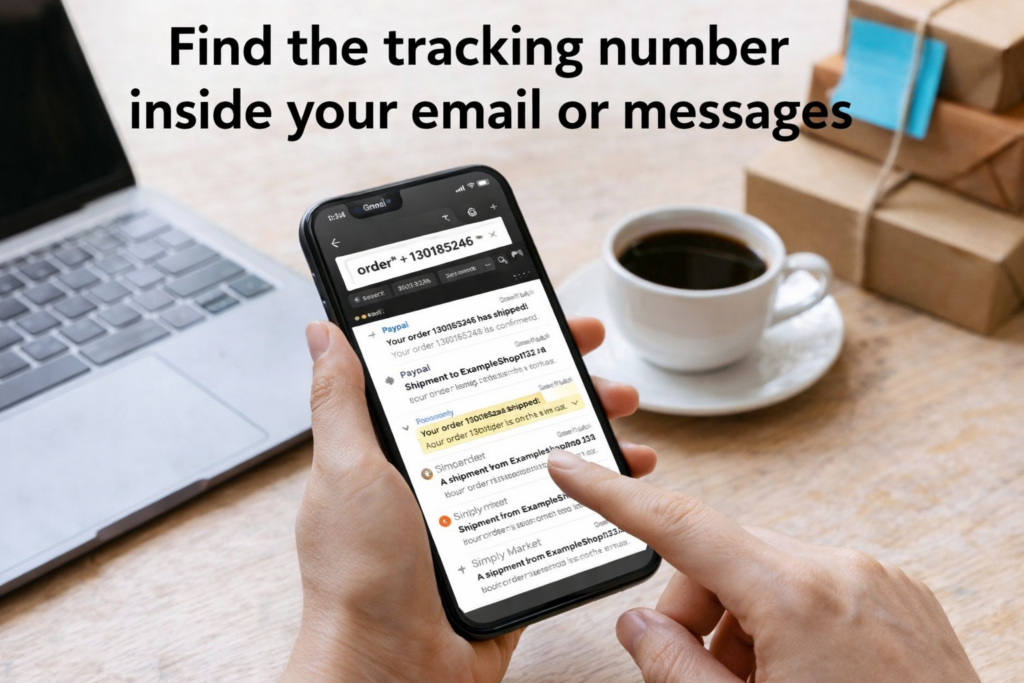
2.1 Email search keywords that actually work
Don’t search only “tracking.” Use combinations:
- “order” + your order number
- “shipped” + store name
- “dispatch” + order
- “delivery” + store name
- “label” + order
- “fulfillment” + store name
Also check:
- Spam/Junk
- Promotions/Updates tabs
- Another email account you may have used at checkout
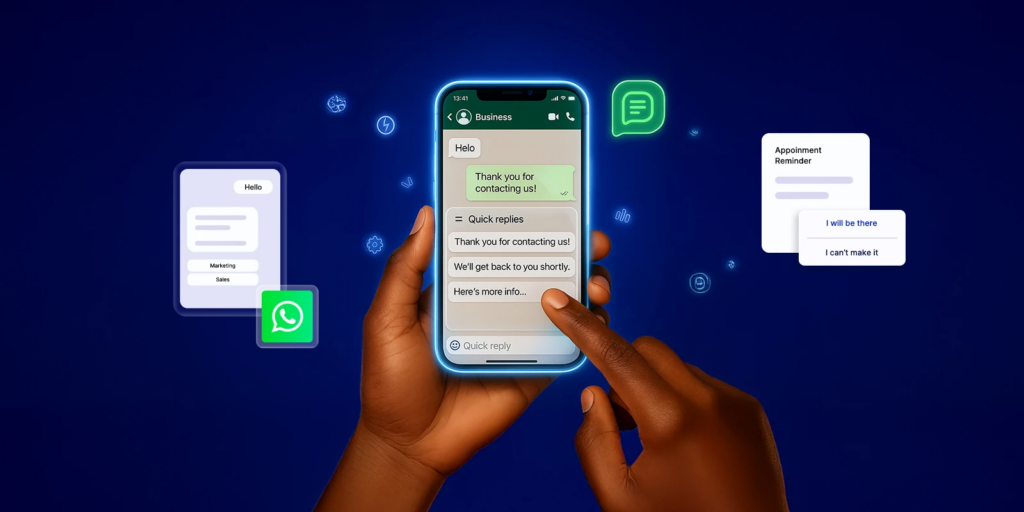
2.2 Check SMS / WhatsApp / WeChat
Some sellers send tracking by message only.
- Search chat history for: shipped / tracking / courier / Tracking number / logistics
- Open any short links carefully
- Screenshot the page if you see a code or carrier name
Even if the link expires, the carrier name still helps.
3. Pull tracking from the order page (dashboard method)
If you ordered through a website or marketplace, the tracking often hides behind buttons.
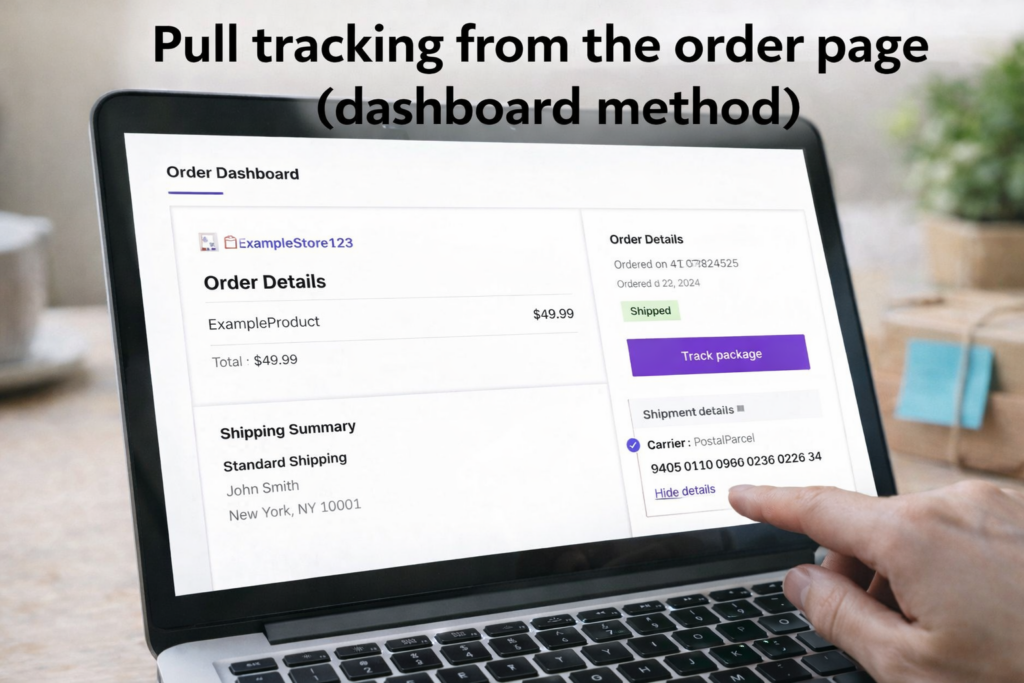
3.1 Where to look
Go to: My Orders → Select Order → Shipping / Logistics / Delivery
Then look for:
- “Track package”
- “Shipment details”
- “Fulfillment”
- “Carrier”
- “Waybill”
- “Logistics number”
Some sites don’t show the tracking code directly. They show a “Track” button that contains the code inside.
3.2 Watch for split shipments
If you see:
- “Partially shipped”
- two delivery estimates
- multiple package rows
Then you likely have 2+ tracking numbers. Ask the seller for all of them.
4. Track a parcel using order details when tracking still isn’t shown
If the tracking number is truly missing, you can still move forward with order clues.
4.1 Use shipping method + route to guess the carrier
Use these signals:
- Express often maps to DHL/UPS/FedEx-style networks
- Standard often maps to postal and partner lines
- Origin country + destination country usually triggers a handoff to a local carrier
Create a short list:
- Most common carrier for that store
- Most common carrier for that route
- Any carrier you used on past orders from the same seller
This narrows your search and makes support messages faster.
4.2 Rebuild a timeline (it helps support teams find it)
Write a simple timeline:
- Order paid: date/time
- Seller marked shipped: date/time (if shown)
- Estimated delivery window
- Recipient postcode/city
Support teams use dispatch windows to locate shipments when tracking is missing.
5. Contact the seller the right way (fast reply template)
Vague messages waste time. Send one clean request.
5.1 Copy-paste seller message
- Order number: [xxxx]
- Order date: [yyyy-mm-dd]
- Recipient: [name]
- Postcode/city: [postcode + city]
- Request: Please send the tracking number and carrier name. If the order shipped in multiple parcels, please list all tracking numbers.
Add this line if you often get “handoff” issues:
- “If there is a last-mile carrier, please share the local tracking number too.”
5.2 What if the seller says “no tracking”?
Ask for a shipping proof:
- drop-off receipt photo
- warehouse dispatch confirmation
- shipping reference number
Even without tracking, a dispatch proof gives you a real status check.
6. Common tracking problems and how to fix them
Tracking doesn’t always fail because the number is missing. Sometimes it exists but looks “broken.”
6.1 “Label created” and no movement
This means the label exists, but the carrier hasn’t scanned the parcel.
Causes:
- missed pickup
- after-cutoff drop-off
- weekend/holiday delays
- warehouse backlog
Fix:
- Wait 24–72 business hours
- Ask seller: “Has it been handed to the carrier?”
- Request drop-off receipt if it stays stuck
6.2 Tracking number changed after international handoff
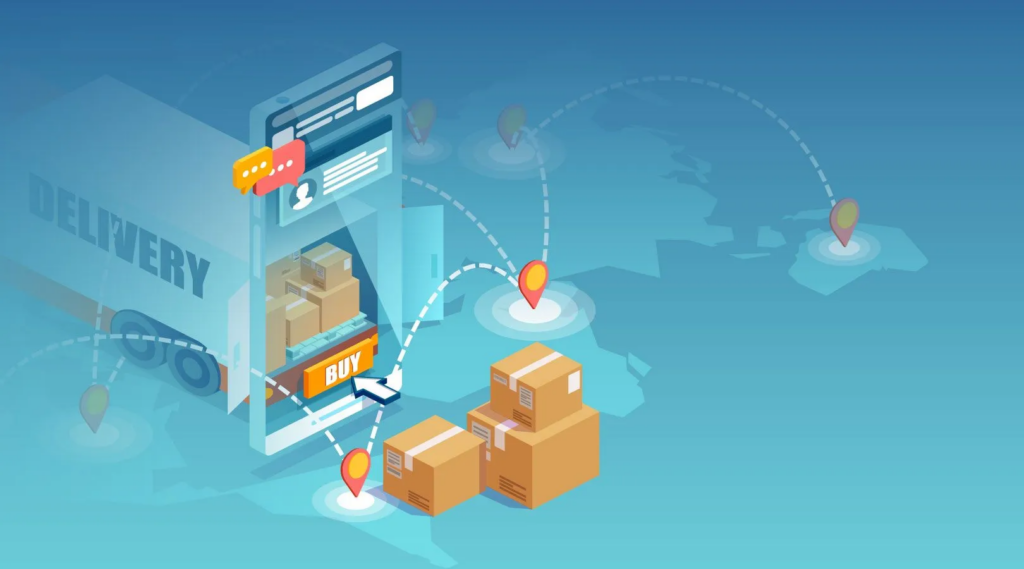
Cross-border parcels often switch numbers when they reach your country.
Look for updates like:
- “Handed over to local carrier”
- “Arrival at destination country”
- “Transferred to delivery partner”
Fix:
- Ask seller for local carrier tracking
- Track both numbers, not just the first
6.3 Address mismatch blocks delivery
Even small mistakes matter:
- wrong postcode
- missing apartment number
- wrong recipient spelling
Fix:
- Compare your saved address vs the order address
- Message seller quickly if it’s early
- Keep evidence (screenshots) for support
7. Avoid tracking scams while searching
Lost tracking numbers make people click too fast. Keep it safe.

7.1 Red flags for fake tracking pages
- asks for payment to “release” the parcel
- forces app downloads
- weird domain that imitates a real carrier
- requests card info or ID upload
Real carriers don’t do random “release fees” through unofficial links.
7.2 What you should never send
Don’t send:
- full bank card number
- passport/ID photo
- one-time verification codes
Share only order ID + postcode with official support.
8. Prevent this next time (30-second habit)
- Screenshot “shipped” page
- Save tracking + carrier into a note
- Label it: store + order number + date
If you ship often, keep a small log:
- Store / Order ID / Date / Carrier / Tracking / Status
PostalParcel is built for this workflow: you keep order details connected to tracking updates, so you don’t lose the parcel trail when emails or messages get messy.
9. Conclusion
Losing a tracking number feels stressful, but you rarely lose the shipment itself. When you follow a clean process—start with the order number, rebuild the timeline, and ask the seller with the right details—you usually recover tracking fast or at least confirm the real shipping status. Keep your order details and tracking info saved the moment the parcel ships, and you won’t need to repeat the same searches again. For a smoother workflow, you can use PostalParcel to keep your orders and delivery updates together in one place, especially when tracking changes after international handoff or when a seller splits an order into multiple parcels.

Industry Insights

news via inbox
Nulla turp dis cursus. Integer liberos euismod pretium faucibua