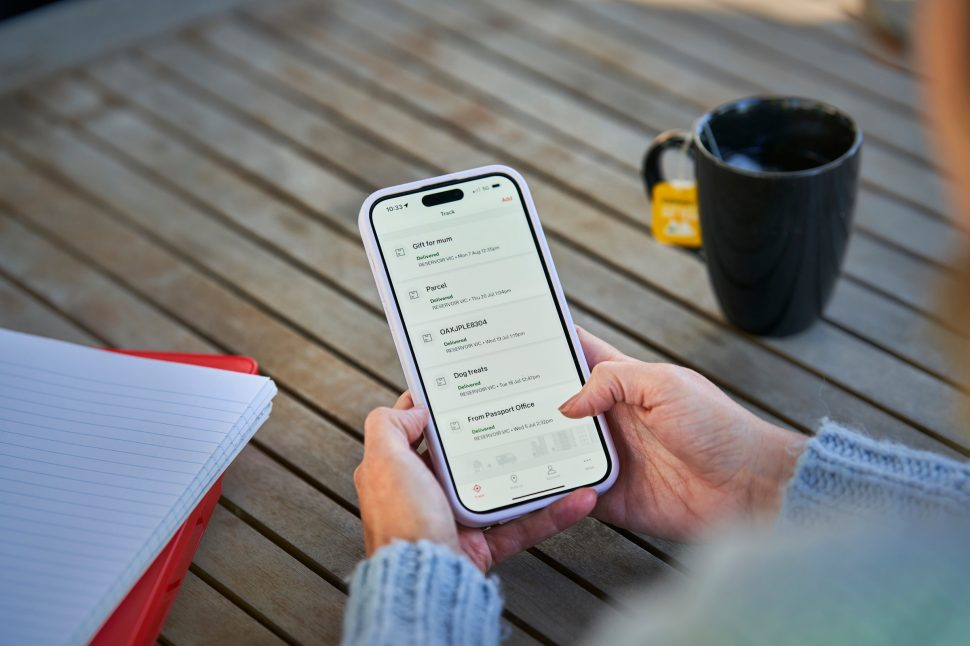
Paketverfolgung wird nicht aktualisiert? 9 echte Gründe + was als nächstes zu tun ist
Inhaltsverzeichnis
Wenn die Paketverfolgung nicht auf dem neuesten Stand ist, fühlt sich das stressig an, aber die meisten Lücken entstehen durch normale Logistikschritte. Der Schlüssel ist zu identifizieren wo der letzte echte Scan stattfand, und ergreifen Sie dann die richtigen Maßnahmen zur richtigen Zeit. Dieser Leitfaden behandelt 9 echte Gründe und was als Nächstes zu tun ist, mit Hilfe von klaren Zeitrahmen und einfachen Kontrollen, die Sie bei Bedarf durchführen können. Postpaket.
1) Was “Paketverfolgung wird nicht aktualisiert” wirklich bedeutet
Verfolgung von Updates nur, wenn ein Zusteller das Paket scannt oder Daten hochlädt. Wenn die Scans pausieren, pausiert auch Ihre Sendungsverfolgung. Das bedeutet nicht immer, dass sich Ihr Paket nicht mehr bewegt.
Schnelle Anzeichen, die Sie sehen
- “Das ”erstellte Etikett" bleibt tagelang erhalten
- “Im Transit” zeigt keine neuen Ereignisse
- Die gleiche Einrichtung wiederholt sich
- Der zollrechtliche Status ändert sich nicht
2) 9 wahre Gründe, warum die Paketverfolgung nicht mehr aktualisiert wird
Grund 1: Das Etikett ist vorhanden, aber das Paket wird nicht ausgehändigt
Dies geschieht, wenn die Sendungsverfolgung “Etikett erstellt” oder “Sendungsinfo erhalten” anzeigt.”
Was ist zu tun?
- Fragen Sie den Absender nach dem Datum der Übergabe/Abholung
- Wenn keine Übergabe innerhalb von 48-72 Stunden, eine Statusüberprüfung oder eine erneute Versendung anfordern
Grund 2: Das Luftfahrtunternehmen hat es gescannt, aber die Datenübertragung ist langsam
Einige Anbieter scannen schnell, laden aber später hoch, so dass die Aktualisierungen in einem Stapel erscheinen.
Was ist zu tun?
- Erneute Überprüfung des Postpakets nach 12-24 Stunden
- Vergleichen Sie den Wortlaut der Zeitleiste bei grenzüberschreitenden Geschäften mit anderen Anbietern.
Grund 3: Ein Hub hat eine Zwischenabfrage übersprungen
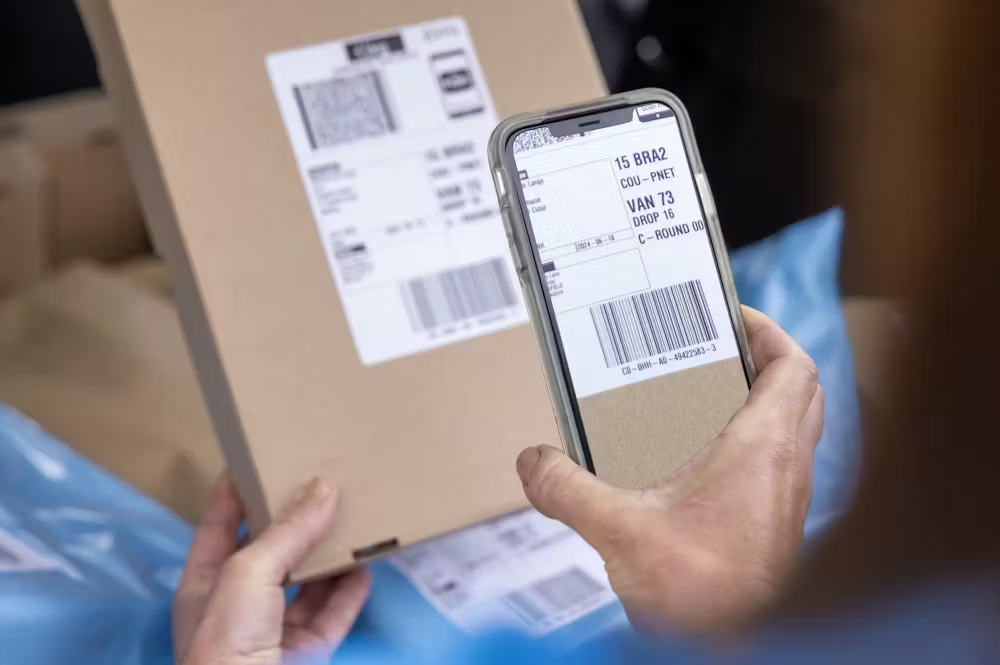
Nicht jede Einrichtung scannt alle Pakete, vor allem nicht an Tagen mit viel Betrieb.
Was ist zu tun?
- Sehen Sie sich die letzter Scan Stadt und warten 24-48 Stunden wenn es ein großes Drehkreuz wäre
- Wenn es ein kleiner Absetzpunkt war, warten Sie 12-24 Stunden
Grund 4: Das Paket wurde bei einem Fernumzug nicht gescannt.
Im Linienverkehr (Luft-/See-/Lkw-Verkehr) gibt es häufig Scan-Lücken.
Was ist zu tun?
- Inlandsstrecken: erlaubt 2-4 Tage je nach Entfernung
- Internationale Strecken: erlaubt 5-10 Tage je nach Fahrspur und Übergaben
Grund 5: Das Paket hat zu einem neuen Zusteller gewechselt (Übergabelücke)
Der Export-Carrier endet, dann beginnt der lokale Carrier. Diese Übergabe kann zu Stille führen.
Was ist zu tun?
- Achten Sie auf “Transferred to local carrier” oder ähnliche Ereignisse
- Wenn nichts Neues nach 3-5 Tage, fragen Sie den Absender nach dem Namen des Last-Mile-Carriers
Grund 6: Überprüfung durch den Zoll ist im Gange
Der Zoll kann eine Pause einlegen Verfolgung auch wenn nichts passiert ist.
Was ist zu tun?
- Normaler Bereich: 1-3 Arbeitstage, arbeitsreiche Zeiten 3-7, zusätzliche Kontrollen 7-14+
- Bitten Sie den Absender um Rechnung und Artikelbeschreibung, wenn der Zoll Dokumente verlangt
- Zölle bei Bedarf schnell bezahlen
Grund 7: Adressangaben lösen eine Verzögerung aus
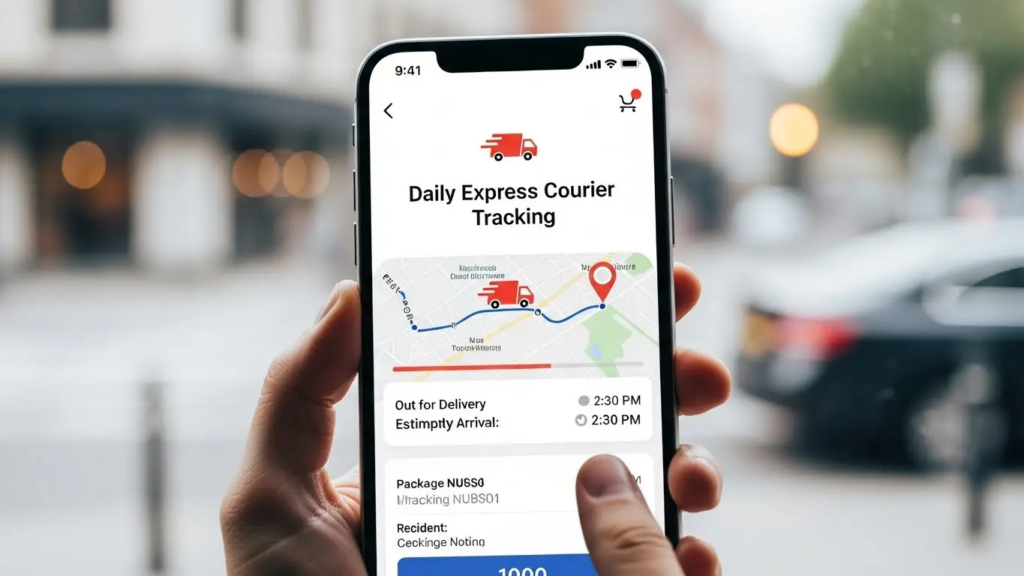
Kleine Adressprobleme können Zustellversuche blockieren.
Was ist zu tun?
- Bestätigen Sie die Nummer der Einheit, die Telefonnummer und die Postleitzahl
- Wenn Sie bereits einen lokalen Spediteur haben, sollten Sie sich frühzeitig mit ihm in Verbindung setzen, um die Details zu korrigieren.
Grund 8: Laut Sendungsverfolgung wurde die Sendung zugestellt, aber Sie haben sie nicht erhalten
Falsche Lieferungen, Probleme mit Schließfächern oder der Empfang des Gebäudes können die Ursache sein.
Was zu tun ist (schnelle Reihenfolge)
- Briefkasten, Rezeption, Schließfächer, Tresor überprüfen
- Fragen Sie Nachbarn/Gebäudepersonal
- Sammeln Sie Beweise (Datum/Uhrzeit, Adresse, ggf. Fotos)
- Öffnen Sie eine Tragetasche in 24-48 Stunden
- Bitten Sie den Absender, ebenfalls einen Fall zu eröffnen
Grund 9: Das Paket ist in der Warteschleife (Beschädigung, Sicherheit, Rückgabe)
Die Beförderer können Pakete zurückhalten, wenn sie eine Beschädigung oder ein eingeschränktes Gut feststellen.
Was ist zu tun?
- Fragen Sie den Träger für die Grund halten
- Bestätigen Sie die Positionsregeln für die Route
- Arbeiten Sie mit dem Absender zusammen, um einen erneuten Versand oder eine Rücksendung zu ermöglichen, falls erforderlich.
3) Was als nächstes zu tun ist: ein einfacher Zeitplan
Auf dieser Grundlage können Sie entscheiden, wann Sie warten und wann Sie eskalieren sollten.
0-24 Stunden ohne Updates
- Normal für viele Strecken
- Überprüfen Sie erneut das Postpaket und notieren Sie die letzter Scan-Typ (Etikett vs. akzeptiert)
2-3 Tage ohne Aktualisierung
- Kontaktieren Sie den Absender für einen Übergabe-Nachweis
- Bei grenzüberschreitenden Transporten fragen Sie nach Informationen über die letzte Meile
7 Tage ohne Aktualisierung
- Eröffnen Sie eine Betreiberanfrage
- Speichern Sie den Zeitplan und die letzten Scandaten für Ihr Ticket
10-14 Tage ohne Updates
- Eskalation mit Absender und Beförderer
- Beantragung eines förmlichen Aktenzeichens für die Untersuchung
4) Wie Postpaket hilft Ihnen, schneller zu diagnostizieren
Postalparcel ist am nützlichsten, wenn Sie es als Zeitleistenwerkzeug betrachten.
Was ist zu prüfen?
- Die letzter echter Scan (Zeit + Ort)
- Jede Übergabehinweise (örtliche Übermittlung)
- Wiederholung der Formulierung “Ausnahme/eingehalten/zurückgegeben”.
Was für die Unterstützung zu sparen ist
- Verfolgungsnummer
- Datum/Uhrzeit und Ort des letzten Scans
- Screenshots des Zeitstrahls der Veranstaltung
- Bestellinformationen vom Absender (falls der Zoll danach fragt)
FAQs
Wie lange kann die Paketverfolgung nicht aktualisiert werden und trotzdem normal sein?
Häuslich: 1-3 Tage normal sein kann. International: 3-7 Tage kann während des Linehaul oder der Übergabe passieren.
Warum bleibt sie auf “Etikett erstellt”?
In der Regel hat der Absender den Aufkleber gedruckt, aber das Paket nicht übergeben. Fragen Sie nach dem Abgabedatum.
Soll ich mich zuerst an den Spediteur oder an den Absender wenden?
Beginnen Sie mit dem Absender, wenn Sie nur Ereignisse in der Etikettenphase sehen. Wenden Sie sich an den Beförderer, wenn Sie eine Annahme sehen, aber nach ein paar Tagen keine Bewegung.
Was ist, wenn es heißt "zugestellt", ich es aber nicht erhalten habe?
Handeln innerhalb 24-48 Stunden. Erkundigen Sie sich bei den Nachbarn/Gebäudepersonal, eröffnen Sie dann einen Transportkoffer und sammeln Sie Beweise.
Nachbereitung
Paketverfolgung Die Nicht-Aktualisierung hat in der Regel vorhersehbare Ursachen: verspätete Übergabe, langsame Daten-Uploads, übersprungene Scans, Umzüge über große Entfernungen, Übergaben durch den Spediteur, Zollpausen, Adressprobleme, Zustellungsfehler oder Ausnahmesperren. Beginnen Sie mit dem letzten echten Scan, folgen Sie dem obigen Zeitplan und verwenden Sie Postalparcel, um den Verlauf der Ereignisse klar zu halten, damit Sie den nächsten Schritt mit Zuversicht tun können.
Einblicke in die Industrie

Nachrichten über den Posteingang
Nulla turp dis cursus. Integer liberos euismod pretium faucibua