Pourquoi le suivi de vos colis n'a-t-il pas été mis à jour ? Liste de contrôle étape par étape
Pourquoi votre Suivi des colis Pas de mise à jour se résume généralement à une chose : le colis n'a pas encore reçu de nouvel événement de numérisation. Cela peut se produire même lorsque le colis est en mouvement. Utilisez cette liste de contrôle pour trouver rapidement la véritable raison et savoir ce qu'il faut faire ensuite.
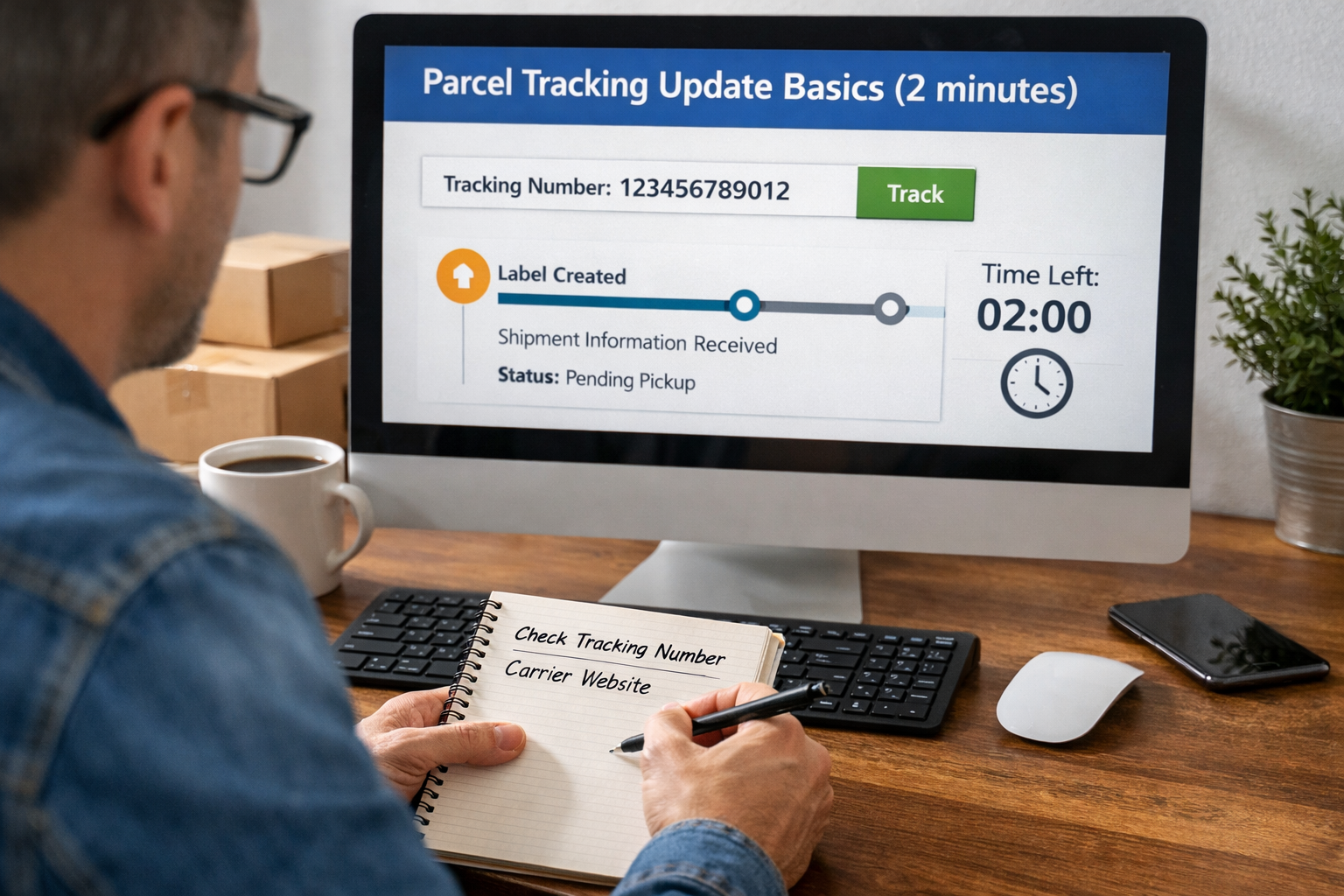
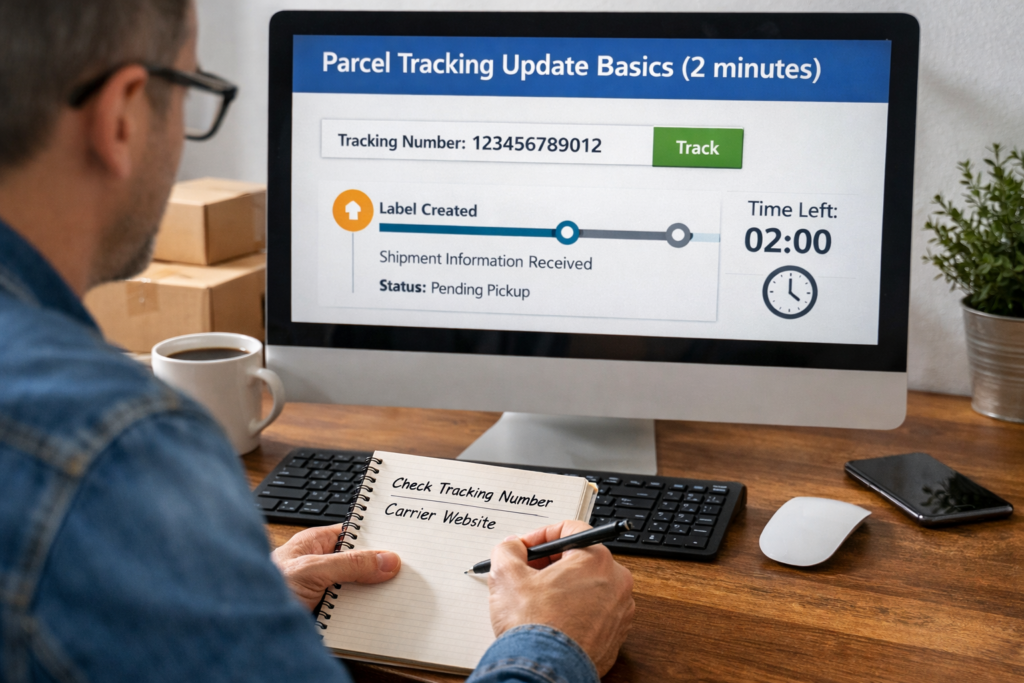
1. Mise à jour des données de base sur le suivi des parcelles (2 minutes)
1.1 Confirmez que vous utilisez le bon numéro de suivi
Avant toute chose, vérifiez le numéro que vous avez copié.
- Rechercher chiffres manquants au début ou à la fin
- Supprimer les espaces supplémentaires
- Essayez les deux avec et sans traits d'union
- Si vous avez deux numéros (commerçant + transporteur), testez les deux
1.2 Vérifier la source du transporteur, et pas seulement une page de suivi
Certaines pages sont décalées ou résument moins d'événements.
- Vérifier le Site officiel du transporteur
- Comparez ensuite avec un tracker multi-porteuse tel que Colis postal pour voir si des événements apparaissent à partir d'un autre réseau
1.3 Assurez-vous de ne pas mélanger “numéro de commande” et “numéro de suivi”
Les places de marché affichent souvent un numéro d'identification de la commande à côté des détails de suivi. Il ne s'agit pas de la même chose.
2. Comprendre ce que signifie réellement l'expression “pas de mise à jour”.
2.1 Suivi les mises à jour n'interviennent que lorsque quelqu'un scanne le colis
Le suivi n'est pas un GPS. Il s'agit d'une chaîne de scanners aux points de contrôle.
Pas de scan = pas de mise à jour, même si le colis est déplacé.
2.2 Certains itinéraires sont naturellement dotés de “zones de tranquillité”
Ces tronçons ne présentent souvent aucun événement :
- Entre les plateformes régionales
- Pendant le transport aérien
- Pendant le transfert transfrontalier
- Pendant le traitement douanier
3. Identifier l'étape de suivi dans laquelle vous êtes bloqué
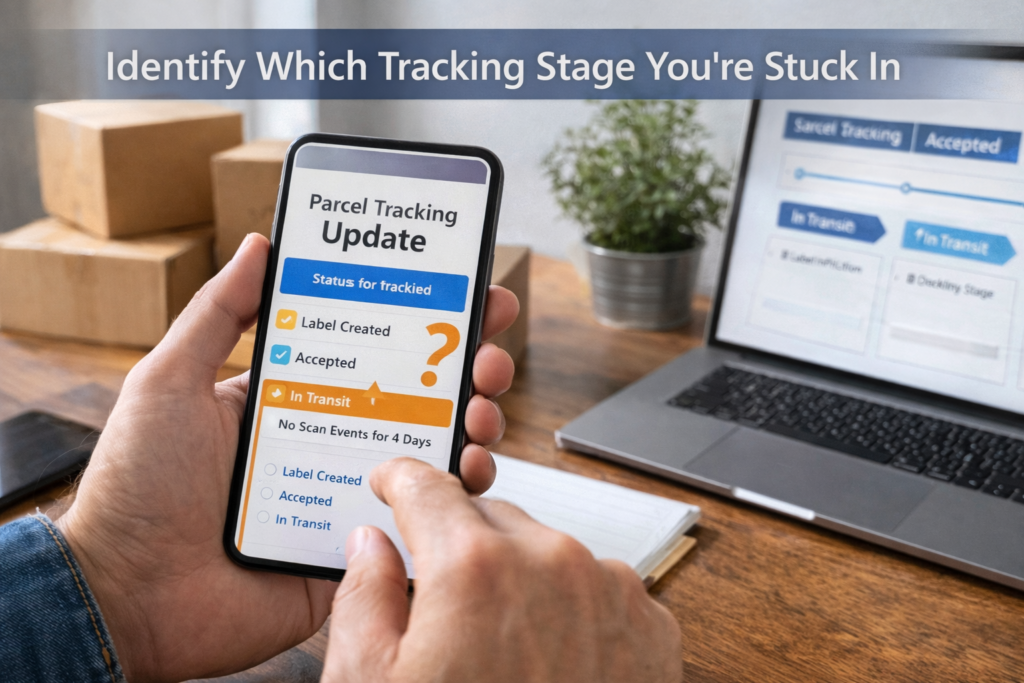
3.1 “Label créé” / “Expédition Informations reçues”
Cela signifie que le vendeur a créé une étiquette, mais que le transporteur n'a pas encore accepté le colis.
Faites ceci :
- Demander à l'expéditeur le heure de dépôt et reçu
- Demandez-leur s'ils ont utilisé un ramassage (les scans de ramassage peuvent être décalés)
- Attendre 24-72 heures sur les voies fréquentées
3.2 “Accepté” / “Récupéré” mais pas de mouvement après
Cela signifie souvent qu'il reste dans la file d'attente d'une installation locale.
Faites ceci :
- Attendre un jour ouvrable supplémentaire
- Vérifier la présence du prochain balayage commun : Installation quittée
- Si rien ne change après 3 jours ouvrables, escalade vers l'expéditeur
3.3 “En transit” sans événement pendant plusieurs jours
Cette situation est fréquente sur les lignes à longue distance, en particulier les lignes internationales.
Faites ceci :
- Vérifier si le dernier balayage indique pays d'origine du départ
- Si c'est le cas, il faut s'attendre à une période d'inactivité jusqu'à arrivée ou douanes
- Si ce n'est pas le cas, le colis peut se trouver dans un centre d'exportation.
4. Causes courantes et solutions exactes

4.1 Lacunes dans le balayage des week-ends et des jours fériés
Les transporteurs acheminent les colis le week-end dans certaines régions, mais de nombreuses plates-formes effectuent moins de balayages.
Fixer :
- Compter jours ouvrables, et non des jours calendaires
- Ajouter 1-2 jours après les grands jours fériés
4.2 Scanners manqués (cela arrive plus souvent qu'on ne le pense)
Un colis peut ne pas être scanné au point de contrôle et arriver quand même à destination.
Fixer :
- Attendez le prochain “grand” balayage : En attente de livraison ou Arrivée à l'installation de destination
- Utilisez les alertes de Postalparcel pour ne pas avoir à actualiser vos données.
4.3 Sélection d'un mauvais transporteur
Certains numéros de suivi ne fonctionnent que sur le réseau du transporteur approprié.
Fixer :
- Identifier le transporteur par un numéro (souvent indiqué sur l'étiquette)
- Testez le numéro de suivi sur Postalparcel pour faire correspondre automatiquement les transporteurs.
4.4 Numéro de suivi recyclé ou lié à une autre parcelle
C'est rare, mais cela arrive avec les étiquettes de tiers ou les envois en nombre.
Fixer :
- Comparez les date d'expédition, ville d'origineet type de service
- Si les détails ne correspondent pas à votre commande, contactez immédiatement l'expéditeur.
4.5 Le colis a été transféré dans un réseau partenaire
De nombreuses livraisons “dernier kilomètre” font appel à un autre transporteur local.
Fixer :
- Recherchez des phrases telles que “remis au partenaire”, “soumissionné”, “linehaul”
- Essayez de trouver le ID de suivi local (Postalparcel le met souvent en surface lorsqu'il est disponible)
5. Expédition internationale : Les 4 manipulations à l'origine des retards

5.1 Traitement des exportations
Cette étape permet de mettre les colis en file d'attente pour les vols ou le transport en ligne.
Ce qu'il faut faire :
- S'il reste ici plus longtemps que 5-7 jours ouvrables, demander à l'expéditeur une preuve de l'envoi
5.2 Écart entre les compagnies aériennes et les transporteurs aériens
Lors du transport aérien, les transporteurs ne procèdent généralement pas à un balayage.
Ce qu'il faut faire :
- Attendez le prochain balayage : Arrivé au pays de destination
- Ne paniquez pas pendant cette période, à moins qu'elle ne dépasse les limites suivantes 10-14 jours sur les voies normales
5.3 Douanes
La douane peut tenir sans mises à jour fréquentes.
Ce qu'il faut faire :
- Vérifier si le statut mentionne dédouanement
- Préparer les documents demandés (facture, carte d'identité, numéro d'identification fiscale)
- S'il dépasse 7-10 jours ouvrables, Demandez au transporteur le code de la raison.
5.4 Importation du transfert vers le dernier kilomètre
Après la douane, un transporteur local peut prendre le relais.
Ce qu'il faut faire :
- Recherchez un nouveau nom de transporteur ou un nouveau numéro de suivi.
- Suivre les deux numéros jusqu'à la fin de la livraison
6. Les drapeaux rouges qui signifient que vous devez passer à l'étape supérieure dès maintenant
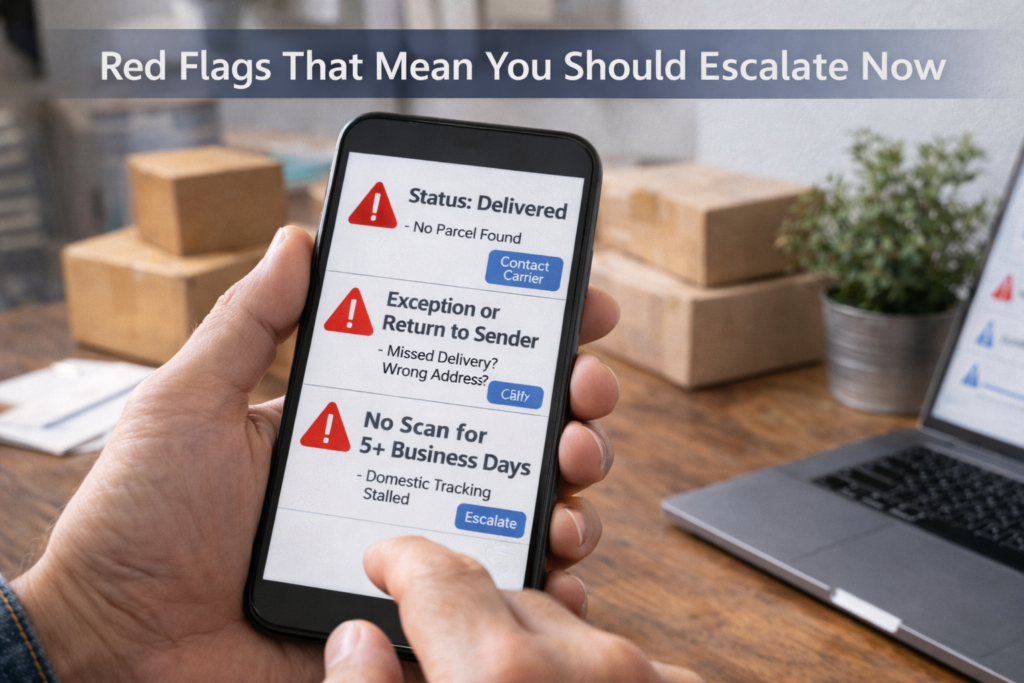
6.1 Le statut indique “Livré” mais vous n'avez rien.
Faites-le immédiatement :
- Vérifier la photo de livraison (si disponible)
- Confirmer l'adresse figurant sur la commande
- Demander aux voisins/à la réception de l'immeuble
- Demander au transporteur Balayage des livraisons par GPS ou preuve de livraison
6.2 “Exception”, “Non distribuable” ou “Retour à l'expéditeur”
Ces problèmes sont généralement liés à des questions d'adresse ou d'accès.
Faites ceci :
- Appeler le transporteur du dernier kilomètre le jour même
- Confirmer :
- numéro de l'appartement ou de l'unité
- numéro de téléphone sur l'étiquette
- livraison instructions
- Si nécessaire, demander un re-livraison ou à mettre en attente pour enlèvement
6.3 Pas de mise à jour depuis trop longtemps (seuils pratiques)
Il s'agit d'une règle simple :
- Domestique : 3-5 jours ouvrables sans scan → escalade
- Norme internationale : 7-10 jours ouvrables sans scan → escalade
- Haute saison : ajouter 2-4 jours tampon
7. Un flux propre, étape par étape, de “Faites ceci ensuite”.
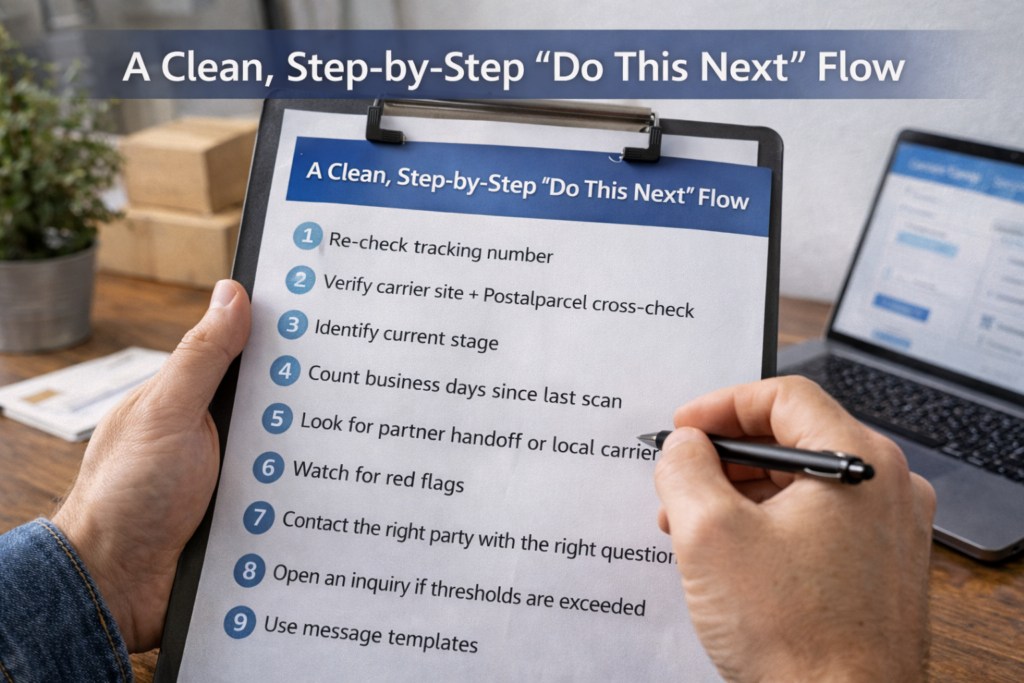
7.1 Liste de contrôle à suivre dans l'ordre
- Revérifier le numéro de suivi (copier/coller propre)
- Vérifier le site du transporteur + vérification croisée de Postalparcel
- Identifier l'étape actuelle (étiquette/acceptée/en transit/consommateurs/dernier kilomètre)
- Compter les jours ouvrables depuis la dernière numérisation
- Recherche d'un transfert de partenaire ou d'un identifiant de transporteur local
- Surveiller les signaux d'alerte (livraison/exception/retour)
- Contacter la bonne personne avec la bonne question
- Ouverture d'une enquête en cas de dépassement des seuils
7.2 Qui contacter (et quoi demander)
- Vendeur/expéditeur: “Quand l'avez-vous remis au transporteur ? Avez-vous un récépissé de dépôt ?”
- Transporteur: “Pouvez-vous confirmer le dernier balayage physique et l'emplacement de l'installation ?”
- Marché: “Pouvez-vous ouvrir un expédition ou de prolonger la durée de protection ?”
8. Modèles de messages qui obtiennent des réponses plus rapides
8.1 Modèle pour le vendeur
“Bonjour, mon suivi n'a pas été mis à jour depuis le (date). Pouvez-vous confirmer l'heure de dépôt/enlèvement et partager le reçu ou la preuve d'expédition ? De plus, quel est le réseau du transporteur pour lequel cette étiquette est utilisée ?”
8.2 Gabarit du transporteur
“Bonjour, le numéro de suivi (XXX) indique qu'il n'y a pas eu de scan depuis le (date). Pouvez-vous confirmer l'emplacement du dernier scan et s'il a été transféré à un transporteur partenaire ou mis en attente à la douane ?”
9. Comment Postalparcel vous aide à ne plus deviner
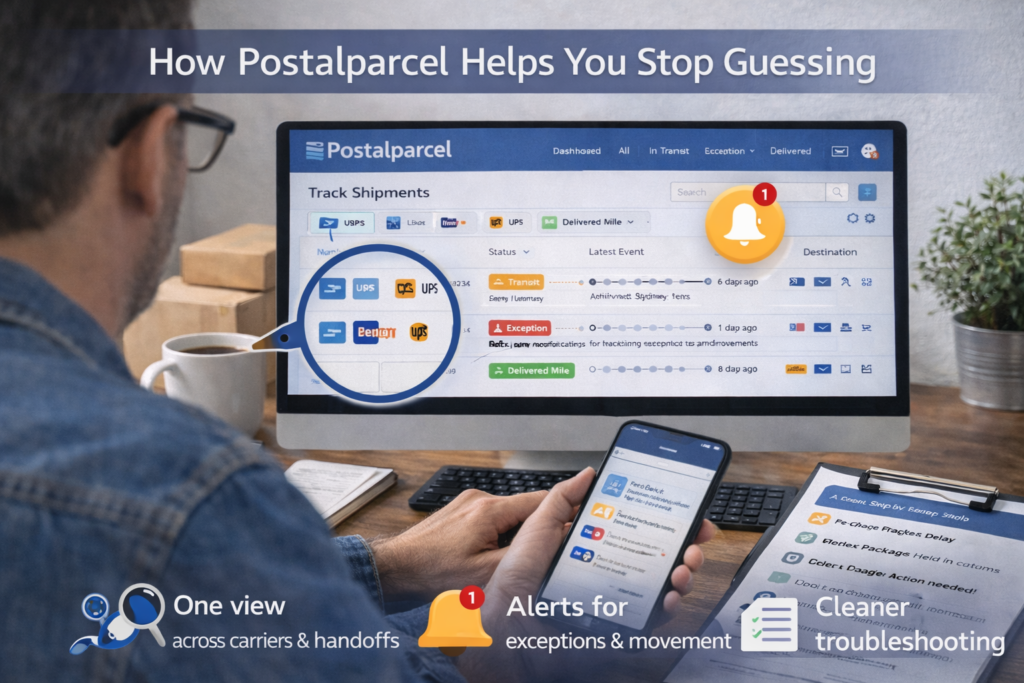
9.1 Une vue unique pour tous les transporteurs et tous les transferts
Colis postal peut unifier les événements provenant de différents réseaux d'opérateurs, ce qui vous permet de repérer plus rapidement les transferts entre partenaires.
9.2 Alertes pour les exceptions et les mouvements
Au lieu d'actualiser les données, définissez des alertes pour :
- premier scan d'acceptation
- Déclaration en douane
- transfert du dernier kilomètre
- en attente de livraison
- déclencheurs d'exception
9.3 Dépannage plus propre pour les équipes
Si vous gérez de nombreux envois, vous pouvez étiqueter des questions telles que
- “Pas de premier balayage”
- “Retard douanier”
- “L'exception du dernier kilomètre”
- “litige livré”
Vous pouvez ensuite acheminer chaque cas vers le flux de travail approprié.
10. Synthèse rapide
Pourquoi le suivi de votre colis n'a-t-il pas été mis à jour ? est généralement un comportement normal de balayage, un écart de transfert ou une synchronisation douanière. Utilisez la liste de contrôle par étapes ci-dessus, comptez les jours ouvrables et surveillez les signaux d'alerte. Si le retard dépasse les seuils pratiques, faites remonter l'information avec le bon message et la bonne preuve. Lorsque vous suivez les réseaux avec Postalparcel, vous passez moins de temps à deviner et plus de temps à résoudre les problèmes.

Aperçu de l'industrie

nouvelles via la boîte de réception
Nulla turp dis cursus. Integer liberos euismod pretium faucibua