
Why Your Parcel Tracking Hasn’t Updated usually comes down to one thing: the parcel hasn’t gotten a new scan event yet. That can happen even when the parcel is moving. Use this checklist to find the real reason fast, and to know what to do next.
1. Parcel Tracking Update Basics (2 minutes)
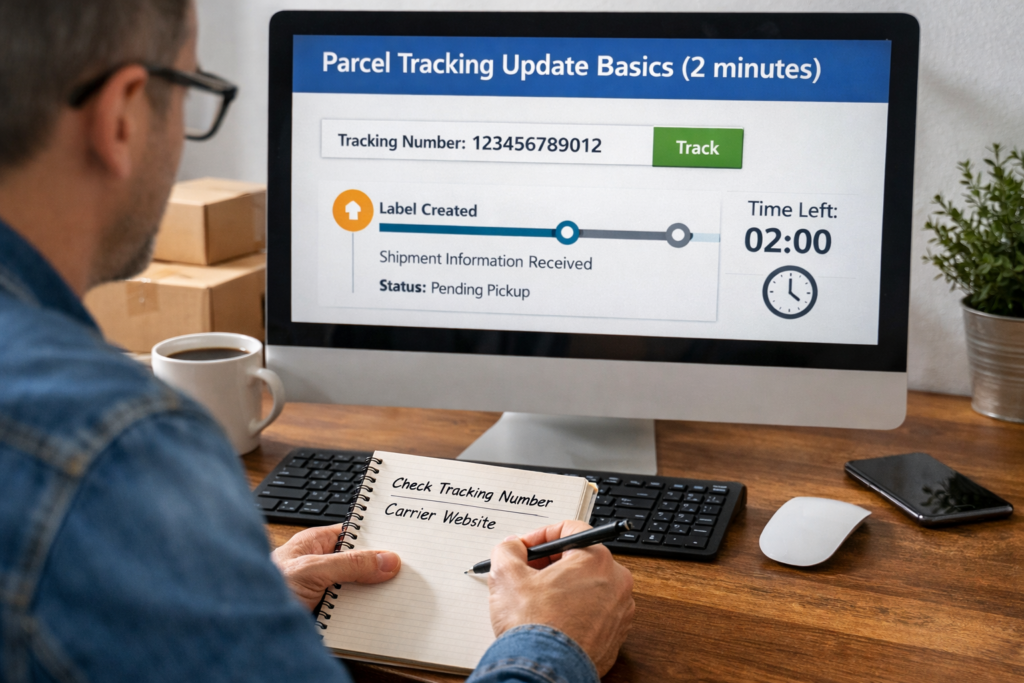
1.1 Confirm you’re using the right tracking number
Before anything else, double-check the number you copied.
- Look for missing digits at the start or end
- Remove extra spaces
- Try both with and without hyphens
- If you have two numbers (merchant + carrier), test both
1.2 Check the carrier source, not only one tracking page
Some pages lag or summarize fewer events.
- Check the carrier’s official site
- Then compare with a multi-carrier tracker like Postalparcel to see if events appear from another network
1.3 Make sure you’re not mixing “order number” and “tracking number”
Marketplaces often show an order ID near tracking details. They are not the same.
2. Understand What “No Update” Really Means
2.1 Tracking updates only happen when someone scans the parcel
Tracking is not GPS. It’s a chain of scans at checkpoints.
No scan = no update, even if the parcel moves.
2.2 Some routes naturally have “quiet zones”
These stretches often show no events:
- Between regional hubs
- During air transport
- During cross-border handoff
- During customs processing
3. Identify Which Tracking Stage You’re Stuck In
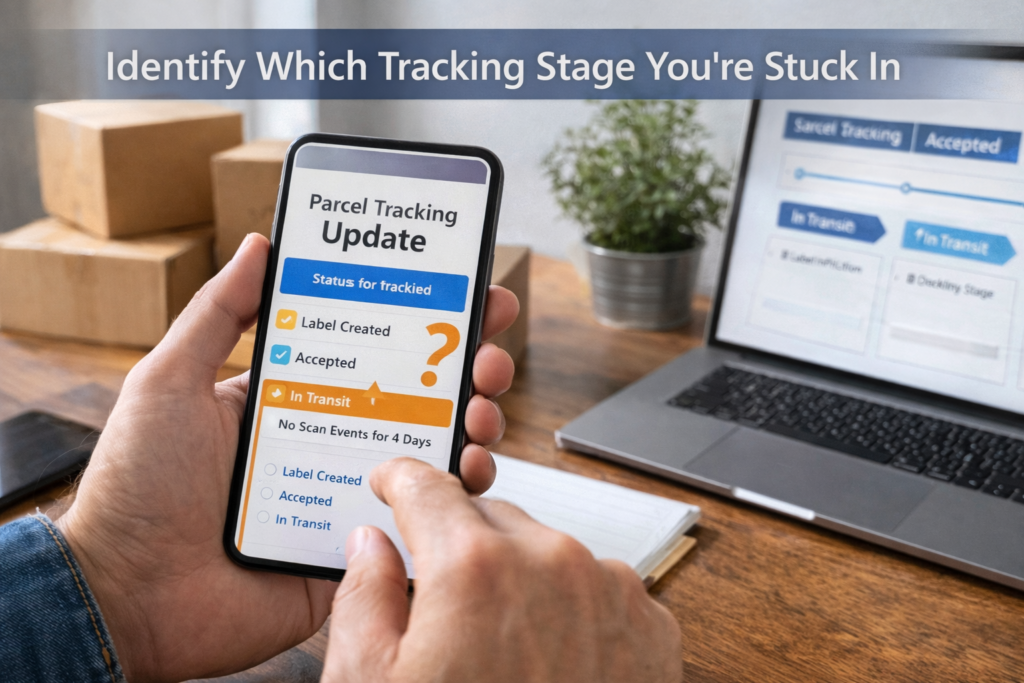
3.1 “Label Created” / “Shipment Information Received”
This means the seller created a label, but the carrier has not accepted the parcel yet.
Do this:
- Ask the sender for the drop-off time and receipt
- Ask if they used a pickup (pickup scans can lag)
- Wait 24–72 hours on busy lanes
3.2 “Accepted” / “Picked Up” but no movement after
This often means it sits in a local facility queue.
Do this:
- Wait one more business day
- Check for the next common scan: Departed facility
- If nothing changes after 3 business days, escalate to the sender
3.3 “In Transit” with no events for several days
This is common on long-distance lanes, especially international.
Do this:
- Check if the last scan shows departed origin country
- If yes, expect a gap until arrival or customs
- If no, the parcel may sit at an export hub
4. Common Causes and the Exact Fix

4.1 Weekend and holiday scan gaps
Carriers move parcels on weekends in some regions, but many hubs scan less.
Fix:
- Count business days, not calendar days
- Add 1–2 days after major holidays
4.2 Missed scans (it happens more than people think)
A parcel can skip a checkpoint scan and still arrive.
Fix:
- Watch for the next “big” scan: Out for delivery or Arrival at destination facility
- Use Postalparcel alerts so you don’t keep refreshing
4.3 Wrong carrier selected
Some tracking numbers work only on the correct carrier network.
Fix:
- Identify the carrier by number format (often shown on the label)
- Test the tracking number on Postalparcel to auto-match carriers
4.4 Tracking number recycled or linked to a different parcel
This is rare, but it happens with third-party labels or bulk shipping.
Fix:
- Compare the ship date, origin city, and service type
- If details don’t match your order, contact the sender immediately
4.5 The parcel moved into a partner network
Many “last-mile” deliveries use a different local carrier.
Fix:
- Look for phrases like “handed to partner”, “tendered”, “linehaul”
- Try to find the local tracking ID (Postalparcel often surfaces it when available)
5. International Shipping: The 4 Handoffs That Create Delays

5.1 Export processing
This stage queues parcels for flights or linehaul.
What to do:
- If it stays here longer than 5–7 business days, ask the sender for shipment proof
5.2 Airline/linehaul gap
During air transport, carriers usually don’t scan.
What to do:
- Wait for the next scan: Arrived at destination country
- Don’t panic during this gap unless it exceeds 10–14 days on standard lanes
5.3 Customs
Customs can hold without frequent updates.
What to do:
- Check if the status mentions customs clearance
- Prepare documents if requested (invoice, ID, tax number)
- If it exceeds 7–10 business days, ask the carrier about the reason code
5.4 Import handoff to last mile
After customs, a local carrier may take over.
What to do:
- Look for a new carrier name or new tracking number
- Track both numbers until delivery completes
6. Red Flags That Mean You Should Escalate Now
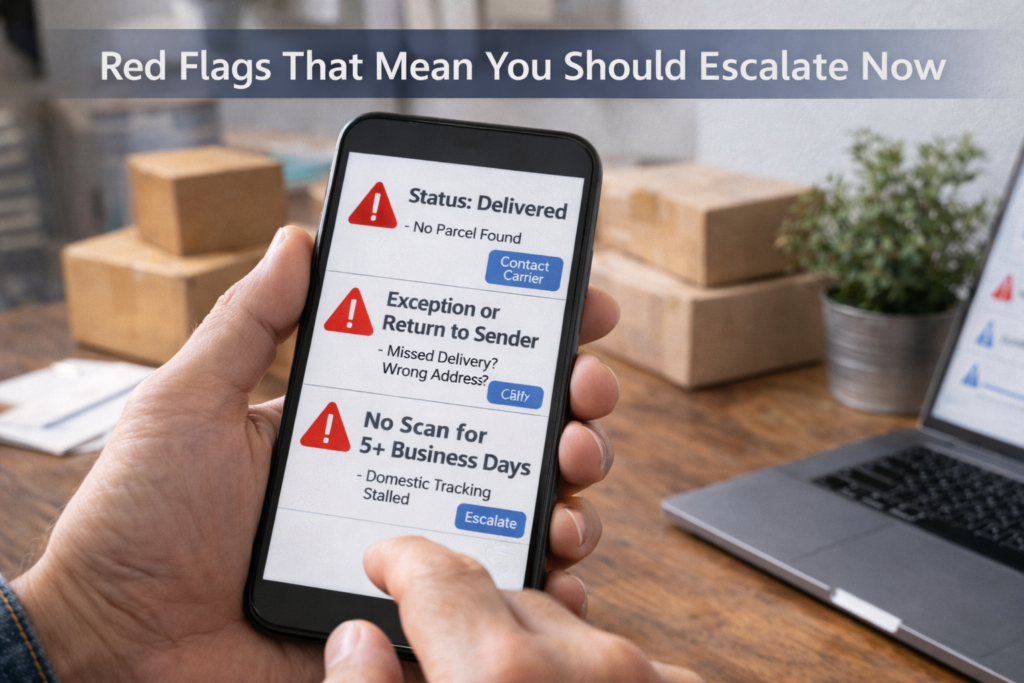
6.1 Status says “Delivered” but you have nothing
Do this immediately:
- Check delivery photo (if available)
- Confirm the address on the order
- Ask neighbors/building reception
- Request the carrier’s GPS delivery scan or proof of delivery
6.2 “Exception,” “Undeliverable,” or “Return to Sender”
These usually connect to address or access issues.
Do this:
- Call the last-mile carrier the same day
- Confirm:
- apartment/unit number
- phone number on label
- delivery instructions
- If needed, request a re-delivery or hold for pickup
6.3 No update for too long (practical thresholds)
Use these as a simple rule:
- Domestic: 3–5 business days with no scan → escalate
- International standard: 7–10 business days with no scan → escalate
- Peak season: add 2–4 days buffer
7. A Clean, Step-by-Step “Do This Next” Flow
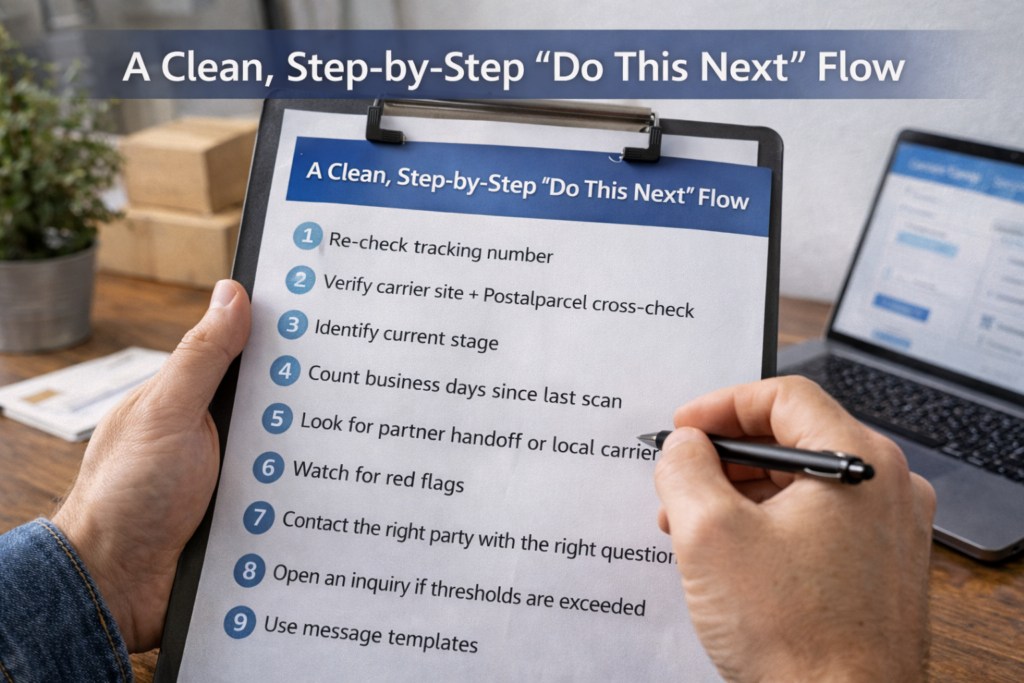
7.1 Checklist you can follow in order
- Re-check tracking number (copy/paste clean)
- Verify carrier site + Postalparcel cross-check
- Identify current stage (label/accepted/in transit/customs/last mile)
- Count business days since last scan
- Look for partner handoff or local carrier ID
- Watch for red flags (delivered/exception/return)
- Contact the right party with the right question
- Open an inquiry if thresholds are exceeded
7.2 Who to contact (and what to ask)
- Seller/shipper: “When did you hand it to the carrier? Do you have a drop-off receipt?”
- Carrier: “Can you confirm the last physical scan and the facility location?”
- Marketplace: “Can you open a shipping investigation or extend protection time?”
8. Message Templates That Get Faster Answers
8.1 Template to the seller
“Hi, my tracking hasn’t updated since (date). Can you confirm the drop-off/pickup time and share the receipt or dispatch proof? Also, which carrier network is this label for?”
8.2 Template to the carrier
“Hi, tracking number (XXX) shows no scan since (date). Can you confirm the last scan location and whether it moved to a partner carrier or customs hold?”
9. How Postalparcel Helps You Stop Guessing
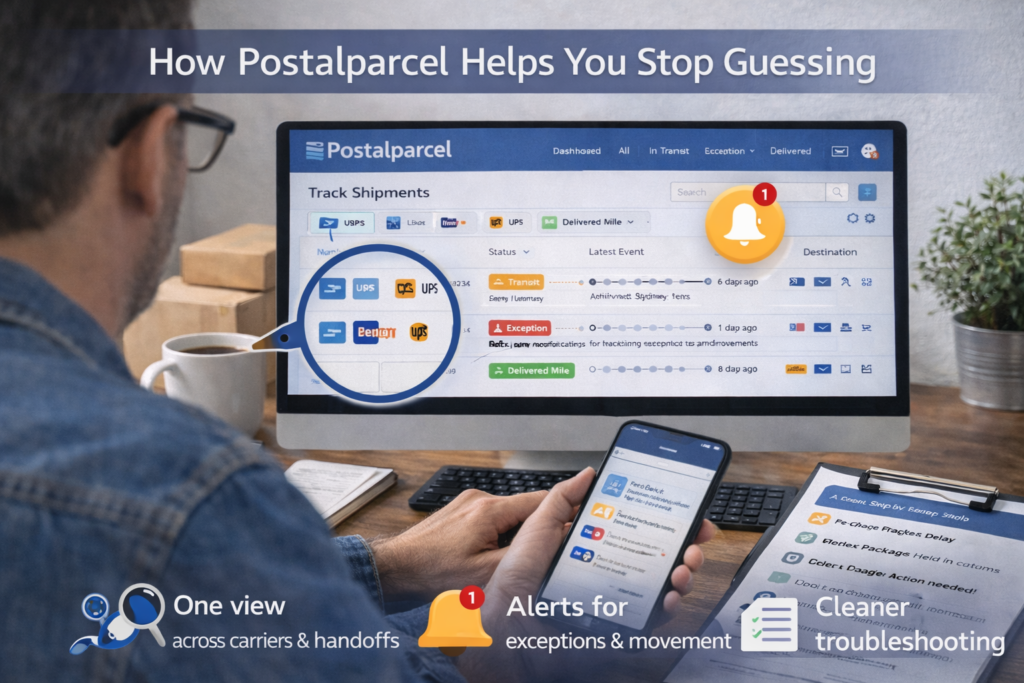
9.1 One view across carriers and handoffs
Postalparcel can unify events from different carrier networks, so you spot partner handoffs faster.
9.2 Alerts for exceptions and movement
Instead of refreshing, set alerts for:
- first acceptance scan
- customs release
- last-mile handoff
- out for delivery
- exception triggers
9.3 Cleaner troubleshooting for teams
If you manage many shipments, you can tag issues like:
- “No first scan”
- “Customs delay”
- “Last-mile exception”
- “Delivered dispute”
Then you can route each case to the right workflow.
10. Quick wrap-up
Why Your Parcel Tracking Hasn’t Updated is usually normal scan behavior, a handoff gap, or customs timing. Use the stage-based checklist above, count business days, and watch for red flags. If the delay crosses the practical thresholds, escalate with the right message and the right proof. When you track across networks with Postalparcel, you spend less time guessing and more time resolving.