Suivi de colis sans numéro de suivi : 7 façons de retrouver votre envoi
Table des matières
Suivi des colis sans numéro de suivi semble impossible, mais ce n'est généralement pas le cas. L'objectif est simple : récupérer le numéro de suivi (ou une référence du transporteur) dans les endroits où il est déjà stocké. Ensuite, vous pouvez suivre normalement sur colis postal ou le site du transporteur.
Ci-dessous 7 moyens pratiques pour trouver rapidement votre envoi, ainsi que quelques conseils pour ne pas perdre de temps.
1) Vérifier les endroits où se trouvent habituellement les numéros de suivi
La plupart des numéros de suivi apparaissent aux trois mêmes endroits. Commencez ici, car cela ne prend que quelques minutes.
1.1 Recherchez votre courrier électronique comme un pro
Ouvrez votre courrier électronique et effectuez une recherche à l'aide de ces termes (mélangez-les) :
- “expédié”
- “dispatch” (envoi)”
- “suivi”
- “votre commande”
- “livraison”
- “étiquette créée”
- “confirmation de l'envoi”
- le nom de votre magasin
- votre numéro de commande
Vérifier également Promotions, Spamet Archivé dossiers. Certains magasins envoient des courriels d'expédition à partir d'une adresse différente de celle du reçu de la commande.
1.2 Suivi des colis : Vérifier les notifications par SMS, WhatsApp et les applications
De nombreux commerçants envoient le numéro de suivi par texte. Recherchez les messages qui comprennent :
- un long code composé de lettres et de chiffres
- “Suivez votre colis”
- “courrier”
- “Lettre de voiture”
1.3 Se connecter au compte de votre magasin
Si vous avez acheté en étant connecté, le numéro de suivi apparaît souvent sous :
- Mes commandes → Détails de la commande → Expédition / Suivi
- Expédition onglet
- Exécution détails
Cela dit, il est courant de passer à la caisse en tant qu'invité. Si vous êtes sorti en tant qu'invité, passez à la section 2.
2) Récupérez-le en utilisant votre numéro de commande et les détails de votre reçu.
Pas de numéro de suivi ? Votre numéro de commande est toujours très utile, surtout en ce qui concerne l'assistance à la clientèle.

2.1 Utiliser la page de confirmation de la commande ou le reçu
Regardez :
- numéro de commande
- la date et l'heure d'achat
- nom et adresse de l'expéditeur
- articles achetés
- mode de paiement (4 derniers chiffres)
Cet ensemble de détails permet à l'assistance de retrouver rapidement l'envoi, même si vous ne l'avez jamais reçu. expédition courriel.
2.2 Recherche d'un enregistrement de paiement
Ouvrez l'application PayPal, carte de crédit ou banque et recherchez la transaction. Copiez-la ensuite :
- l'identifiant de la transaction (s'il est disponible)
- nom du commerçant
- montant exact
- date/heure d'achat
Utilisez ensuite ces informations lorsque vous contactez le vendeur. Cela accélère les choses car le service d'assistance peut localiser la commande plus rapidement.
3) Demandez au vendeur le numéro de suivi (utilisez un message qui reçoit des réponses).
Un message clair vaut mieux qu'une longue histoire. Soyez bref, mais incluez des éléments d'identification.
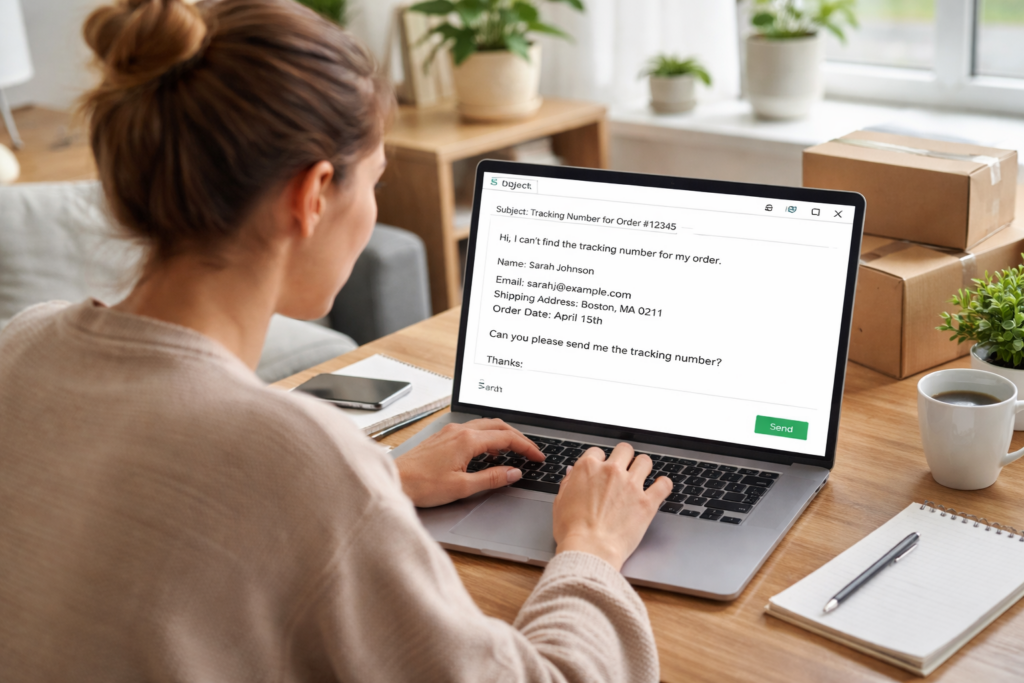
3.1 Modèle de message (copier/coller)
Sujet : Demande de numéro de suivi pour la commande #[XXXX]
Message :
Bonjour, je n'arrive pas à trouver le numéro de suivi pour Commande #[XXXX].
Nom : [Nom complet]
Courriel/téléphone utilisé lors de la commande : [Email/Phone]
Adresse de livraison : [Ville + code postal]
Date de la commande : [Date]
Veuillez envoyer le numéro de suivi et nom du transporteur. Merci !
3.2 Si le vendeur répond par un “numéro logistique”
Il arrive que les vendeurs communiquent un code d'entrepôt et non le véritable numéro de suivi. Demandez-le directement :
- “Pouvez-vous confirmer la transporteur de dernier kilomètre (USPS/UPS/DHL, etc.) et les numéro de suivi du dernier kilomètre?"
- “Avez-vous le date de remise et balayage du transporteur?"
Ceci est important car une parcelle peut avoir deux chiffresun numéro d'entrepôt et un numéro de dernier kilomètre.
4) Utiliser des numéros de référence et d'autres identifiants (lorsque les transporteurs l'autorisent)
Même sans la numéro de suivi, Vous avez peut-être une référence que les transporteurs reconnaissent.
4.1 Autres identifiants courants
Recherchez ces éléments dans les courriers électroniques, les factures ou les pages des commerçants :
- ID de l'envoi
- numéro de la lettre de transport
- ID de l'ordre logistique
- ID de la parcelle
- Numéro RMA (retours)
- numéro de facture
4.2 Que faire avec eux ?
Essayez ces mouvements :
- Collez n'importe quel nombre dans colis postal et voir s'il correspond à un format de transporteur.
- Effectuez une recherche sur le site du transporteur en utilisant le “suivi des références” si le transporteur le propose.
- Appelez le service d'assistance du transporteur et demandez : “Pouvez-vous localiser un envoi à l'aide d'un numéro de référence + mon adresse ?”
Ce n'est pas le cas de tous les opérateurs, mais cela fonctionne assez souvent pour que l'on s'y essaye.
5) Vérifier les outils de livraison liés à votre adresse
Si vous recevez souvent des colis, les outils basés sur les adresses peuvent révéler les envois entrants.
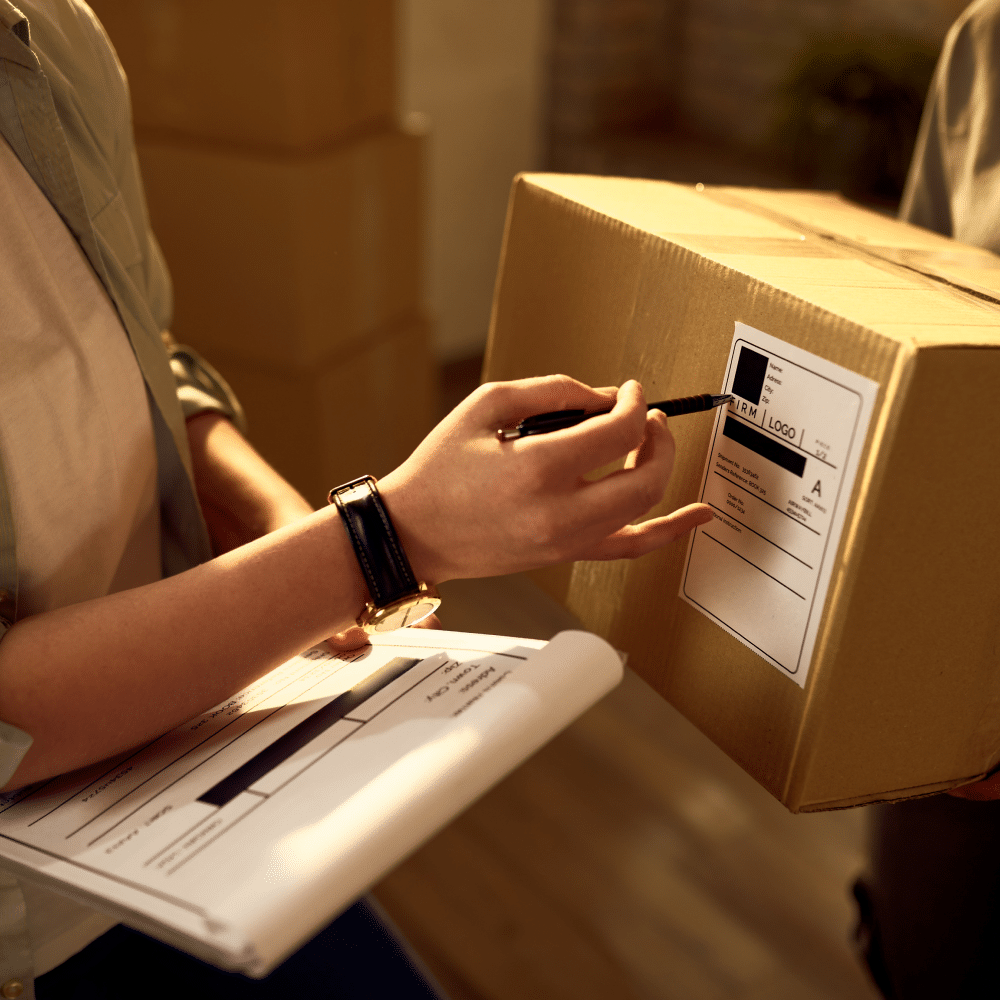
5.1 Les comptes des transporteurs peuvent afficher les colis entrants
Certains transporteurs affichent les livraisons entrantes dans le tableau de bord de votre compte (en fonction de la correspondance des adresses). Si vous avez déjà un compte auprès du transporteur, vérifiez :
- “Entrées” / “A moi” / “Livraisons”
- caractéristiques du gestionnaire de livraison
- paramètres des notifications d'envoi
5.2 Pourquoi cela est utile
Même si vous avez perdu l'e-mail de suivi, le transporteur peut encore répertorier le colis sous votre profil d'adresse. Vous pouvez alors copier le numéro de suivi et le suivre n'importe où.
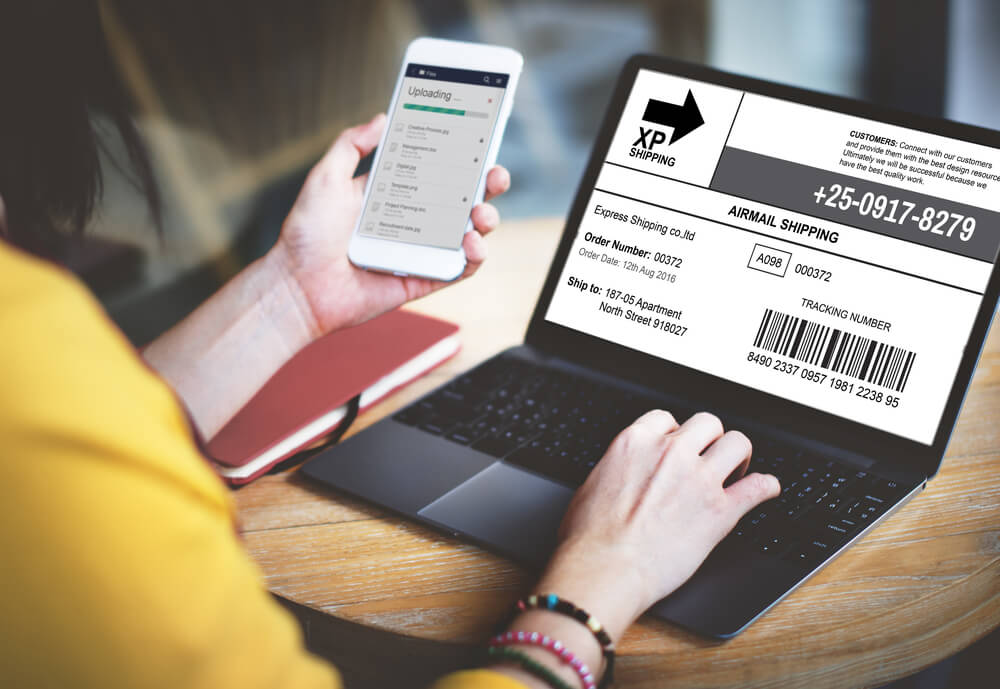
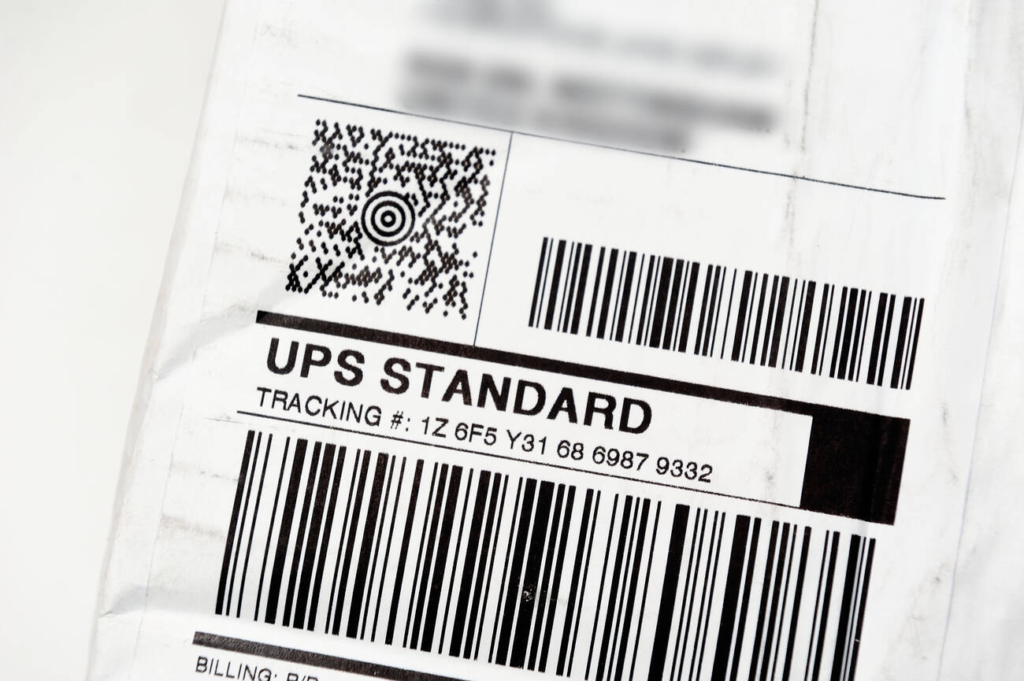
6) Recherchez des indices sur la photo de l'étiquette d'expédition ou sur le bordereau d'expédition.
De nombreux vendeurs partagent une capture d'écran de l'étiquette, et de nombreux paquets incluent un bordereau à l'intérieur de la boîte.
6.1 Où apparaissent les indices de l'étiquette ?
Vérifier :
- photo de l'envoi dans le chat de l'application commerçant
- entrepôt photo de la dépêche
- détails de la commande pièces jointes
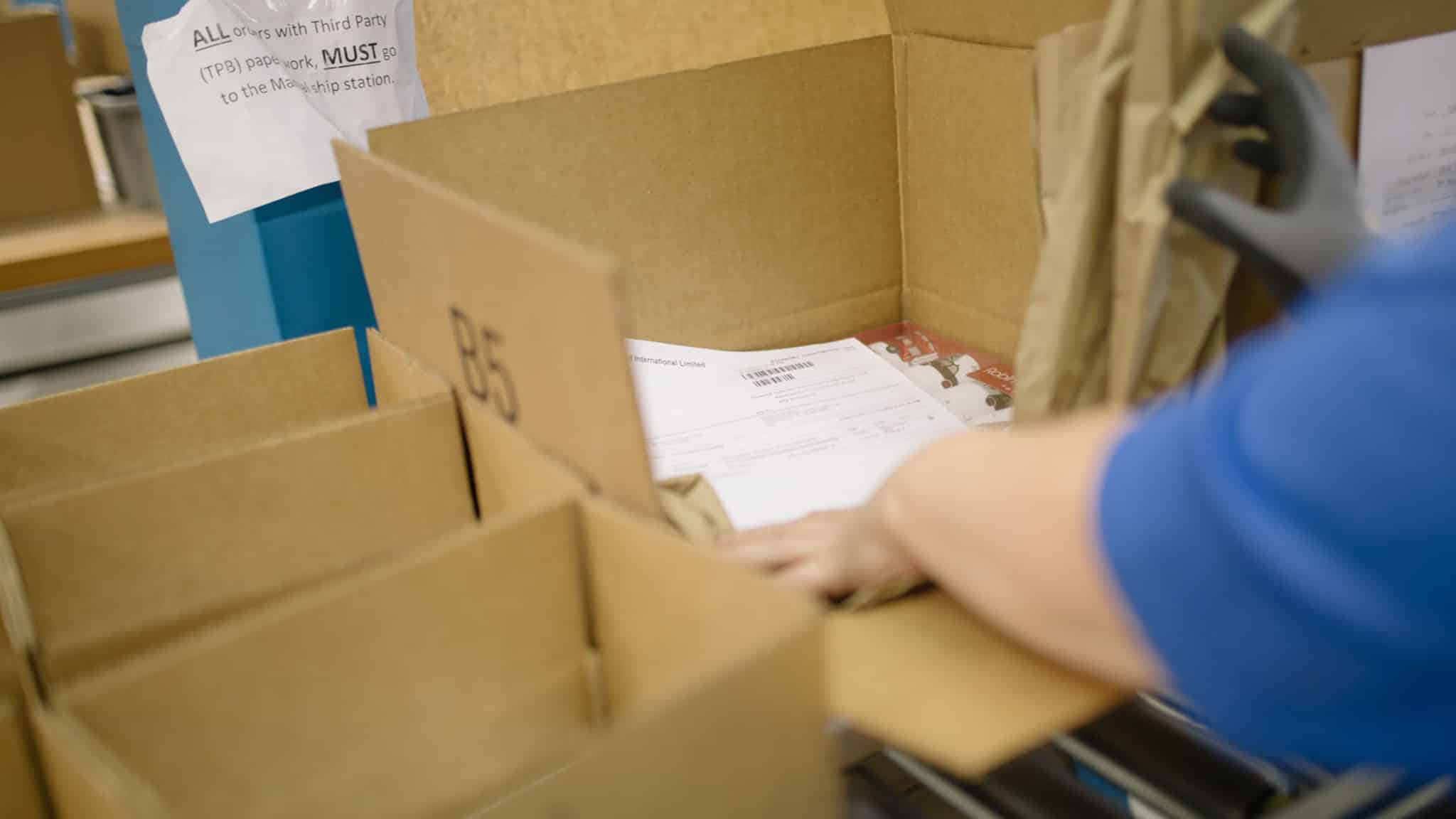
- le bordereau à l'intérieur du colis (s'il est arrivé mais que vous voulez un historique)
6.2 Ce qu'il faut saisir
Demandez au vendeur une photo qui le montre :
- zone de code-barres
- ligne de numéro de suivi
- logo du transporteur
- pays de destination
Tapez ensuite le numéro de suivi dans colis postal pour identifier le transporteur et les événements de suivi.
7) Repérer rapidement les situations de “non suivi” (et agir avant que le temps ne soit écoulé)
Parfois, le véritable problème est que le suivi n'a jamais existé ou que le vendeur a utilisé un courrier non suivi.
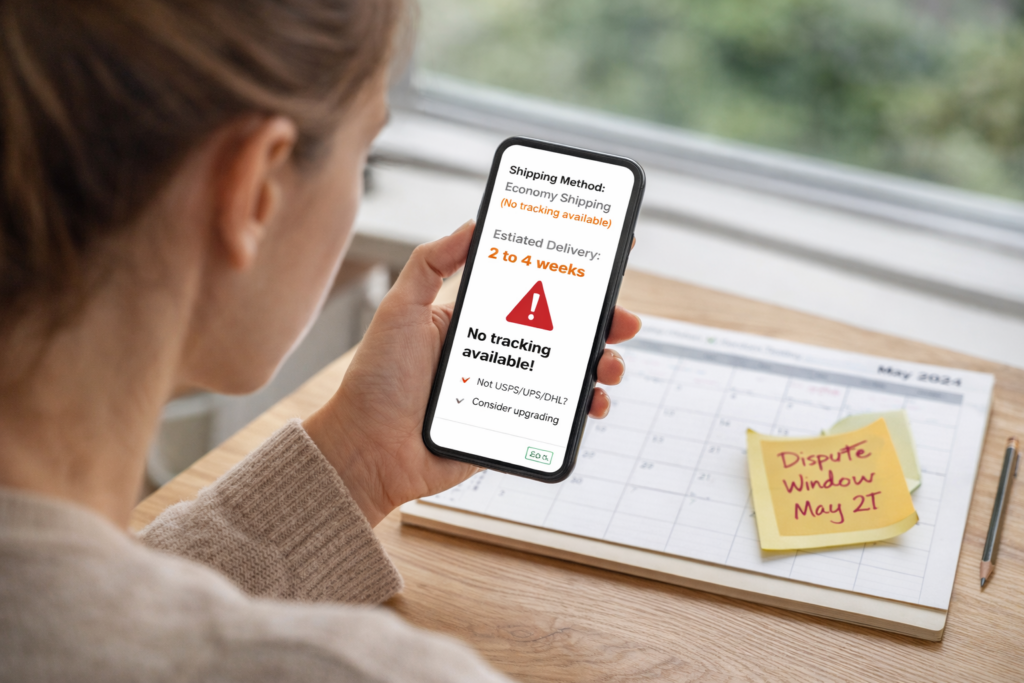
7.1 Signes indiquant que vous ne recevrez peut-être pas de numéro de suivi
Soyez attentifs à ces signes :
- le vendeur dit “pas de suivi pour l'expédition économique”
- la méthode d'expédition indique “courrier standard” sans scan
- aucun nom de transporteur n'apparaît nulle part
- le délai de livraison semble très long (semaines)
7.2 Que faire ensuite ?
Agissez au lieu d'attendre :
- Demandez à bénéficier d'un envoi suivi (si possible)
- Demander le nom du transporteur et la méthode d'expédition
- Si le délai de livraison est déjà dépassé, ouvrez un dossier d'assistance en indiquant les détails de votre commande.
Veillez également à ce que votre calendrier soit clair. Si le magasin dispose d'une fenêtre de contestation, ne la manquez pas.
Des conseils supplémentaires pour gagner du temps (et éviter les maux de tête)
A) Ne pas deviner le transporteur trop tôt
De nombreux envois changent de mains d'un pays à l'autre. Deviner le mauvais transporteur fait perdre du temps. Récupérez d'abord le numéro de suivi, puis laissez un système de suivi multi-transporteurs identifier l'itinéraire.
B) Piste à partir du premier balayage, et non à partir du “label créé”.”
“L'expression ”étiquette créée" signifie seulement que quelqu'un a imprimé une étiquette. Attendez que le premier scan d'acceptation pour confirmer le mouvement. Si les scans n'apparaissent pas après plusieurs jours, demandez au vendeur une preuve de la remise de l'objet.
C) Gardez vos identifiants dans une seule note
Créer une note avec :
- numéro de commande
- date d'achat
- l'adresse de livraison
- email/téléphone utilisé
- capture d'écran de l'enregistrement du paiement
Vous pouvez ensuite le coller rapidement dans les chats d'assistance.
FAQ

Que se passe-t-il si je n'ai que mon nom et mon adresse ?
Commencez par le vendeur et votre dossier de paiement. Les transporteurs localisent rarement les colis à partir de leur seul nom, mais le vendeur peut faire correspondre votre adresse à l'envoi.
Le colis postal peut-il être suivi sans numéro de suivi ?
Le suivi a toujours besoin d'un identifiant. Le chemin le plus rapide consiste à récupérer le numéro de suivi (ou une référence utilisable) en utilisant les 7 méthodes ci-dessus, puis collez-la dans postalparcel.
Le vendeur m'a donné un numéro, mais rien n'apparaît. Que se passe-t-il maintenant ?
Demander le nom du transporteur et confirmez si le numéro est un entrepôt/code interne ou le numéro de suivi du dernier kilomètre. Demandez également quand le transporteur l'a scanné pour la première fois.
Conclusion
Le suivi des colis sans numéro de suivi devient facile dès lors que vous le traitez comme une tâche de récupération. Vérifiez d'abord votre courrier électronique et la page de votre commande, puis utilisez votre numéro de commande et votre relevé de paiement pour obtenir le code de suivi auprès du vendeur. Une fois que vous avez récupéré un numéro valide, suivez-le sur colis postal pour consulter les mises à jour concernant les transporteurs, les itinéraires et les livraisons en un seul endroit.


Aperçu de l'industrie

nouvelles via la boîte de réception
Nulla turp dis cursus. Integer liberos euismod pretium faucibua