
Parcel tracking without a tracking number sounds impossible, but it usually isn’t. The goal is simple: recover the tracking number (or a carrier reference) from places that already store it. Then you can track normally on postalparcel or the carrier site.
Below are 7 practical ways to find your shipment fast, plus a few “don’t waste time” tips.
1) Check the places where tracking numbers usually live
Most tracking numbers appear in the same three spots. Start here because it takes minutes.
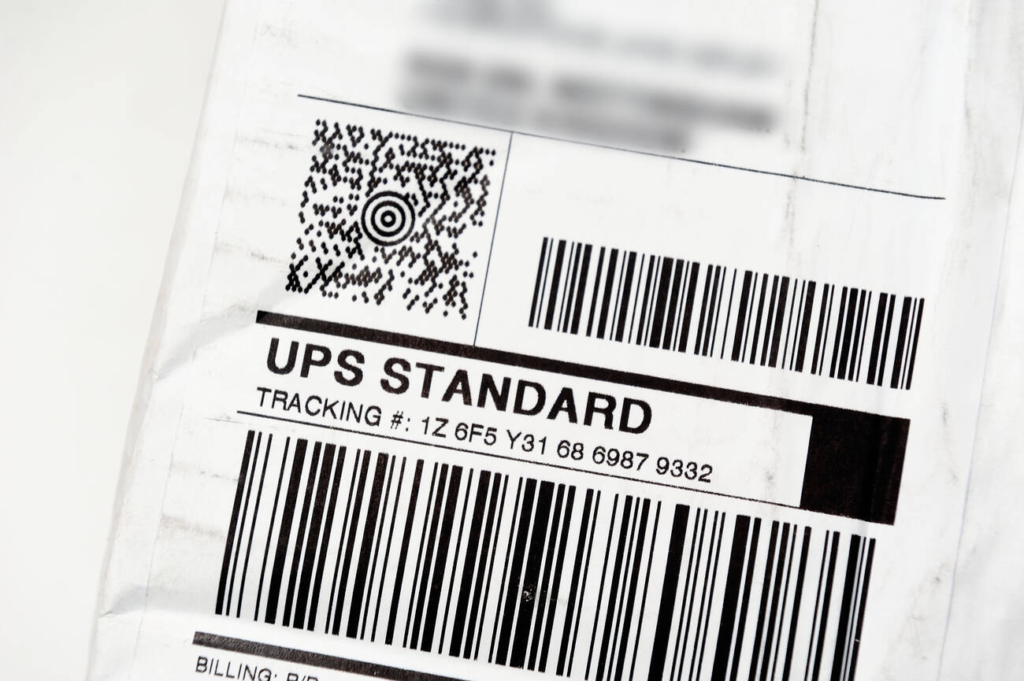
1.1 Search your email like a pro
Open your email and search using these terms (mix and match):
- “shipped”
- “dispatch”
- “tracking”
- “your order”
- “delivery”
- “label created”
- “shipment confirmation”
- your store name
- your order number
Also check Promotions, Spam, and Archived folders. Some stores send shipping emails from a different address than the order receipt.
1.2 Parcel tracking: Check SMS, WhatsApp, and app notifications
Many merchants send the tracking number by text. Look for messages that include:
- a long code with letters + numbers
- “track your package”
- “courier”
- “waybill”
1.3 Log in to your store account
If you purchased while logged in, the tracking number often shows under:
- My Orders → Order Details → Shipping / Tracking
- Shipment tab
- Fulfillment details
That said, guest checkout is common. If you checked out as a guest, jump to section 2.
2) Recover it using your order number and receipt details
No tracking number? Your order number still helps a lot, especially with customer support.

2.1 Use the order confirmation page or receipt
Look at:
- order number
- date and time of purchase
- shipping name + address
- items purchased
- payment method (last 4 digits)
This bundle of details lets support find the shipment quickly, even if you never received the shipping email.
2.2 Search your payment record
Open PayPal, credit card, or bank app and find the transaction. Then copy:
- transaction ID (if available)
- merchant name
- exact amount
- purchase date/time
Then use that info when you contact the seller. It speeds things up because support can locate the order faster.
3) Ask the seller for the tracking number (use a message that gets answers)
A clear message beats a long story. Keep it short, but include identifiers.
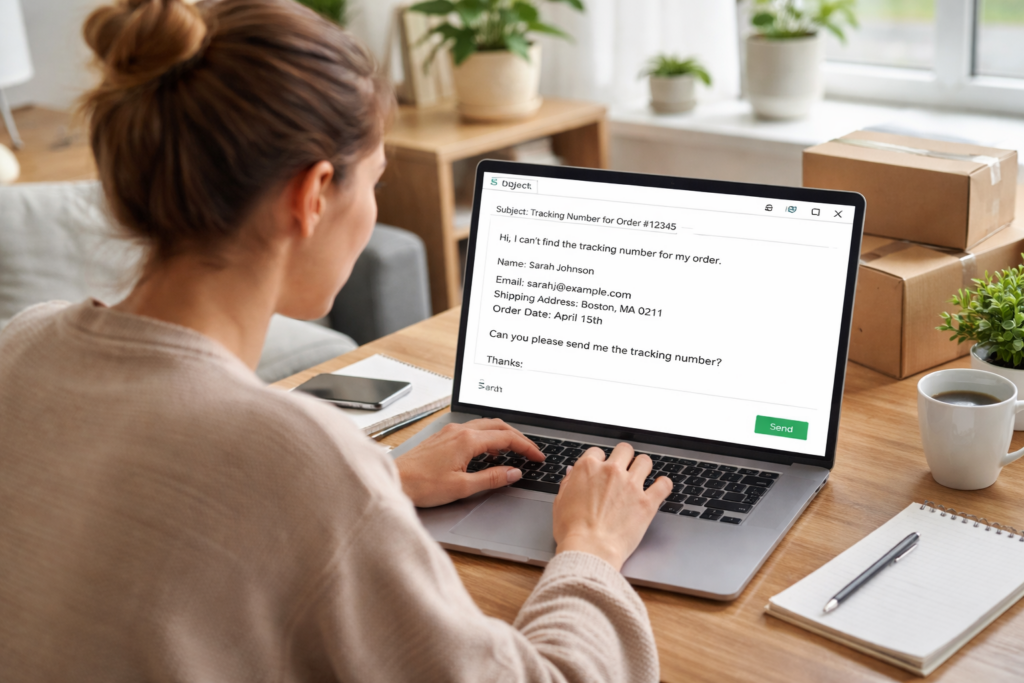
3.1 Message template (copy/paste)
Subject: Tracking number request for Order #[XXXX]
Message:
Hi, I can’t find the tracking number for Order #[XXXX].
Name: [Full Name]
Email/Phone used at checkout: [Email/Phone]
Shipping address: [City + ZIP/Postal code]
Order date: [Date]
Please send the tracking number and carrier name. Thanks!
3.2 If the seller replies with a “logistics number”
Sometimes sellers share a warehouse code, not the real tracking number. Ask directly:
- “Can you confirm the final-mile carrier (USPS/UPS/DHL, etc) and the last-mile tracking number?”
- “Do you have the handover date and carrier scan?”
This matters because one parcel can have two numbers: a warehouse number and a last-mile number.
4) Use reference numbers and alternate IDs (when carriers allow it)
Even without the tracking number, you might have a reference that carriers recognize.
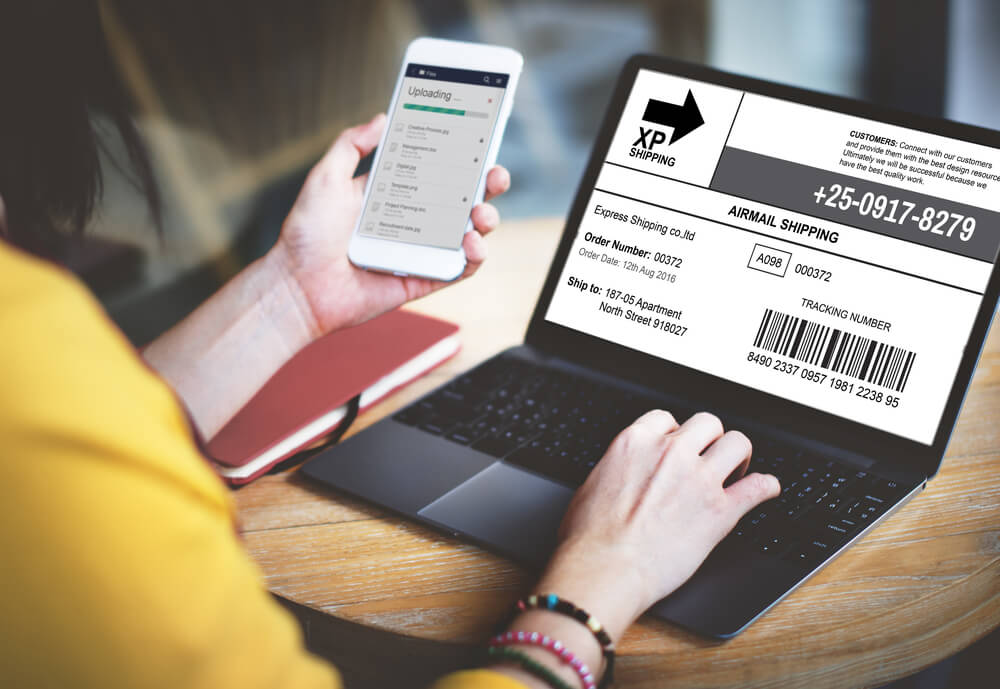
4.1 Common alternate IDs
Look for any of these on emails, invoices, or merchant pages:
- shipment ID
- waybill number
- logistics order ID
- parcel ID
- RMA number (returns)
- invoice number
4.2 What to do with them
Try these moves:
- Paste any number into postalparcel and see if it matches a carrier format.
- Search the carrier site using “reference tracking” if the carrier offers it.
- Call carrier support and ask: “Can you locate a shipment using a reference number + my address?”
Not every carrier supports this, but it works often enough to try.
5) Check delivery tools tied to your address
If you receive parcels often, address-based tools can reveal incoming shipments.
5.1 Carrier accounts can show inbound packages
Some carriers show inbound deliveries inside your account dashboard (based on address matching). If you already have an account with the carrier, check:
- “Incoming” / “To Me” / “Deliveries”
- delivery manager features
- shipment notifications settings
5.2 Why this helps
Even if you lost the tracking email, the carrier may still list the parcel under your address profile. Then you can copy the tracking number and track it anywhere.
6) Look for clues in the shipping label photo or packing slip
Plenty of sellers share a label screenshot, and many packages include a slip inside the box.
6.1 Where label clues appear
Check:
- shipment photo in the merchant app chat
- warehouse dispatch photo
- order details attachments
- the paper slip inside the parcel (if it arrived but you want history)
6.2 What to capture
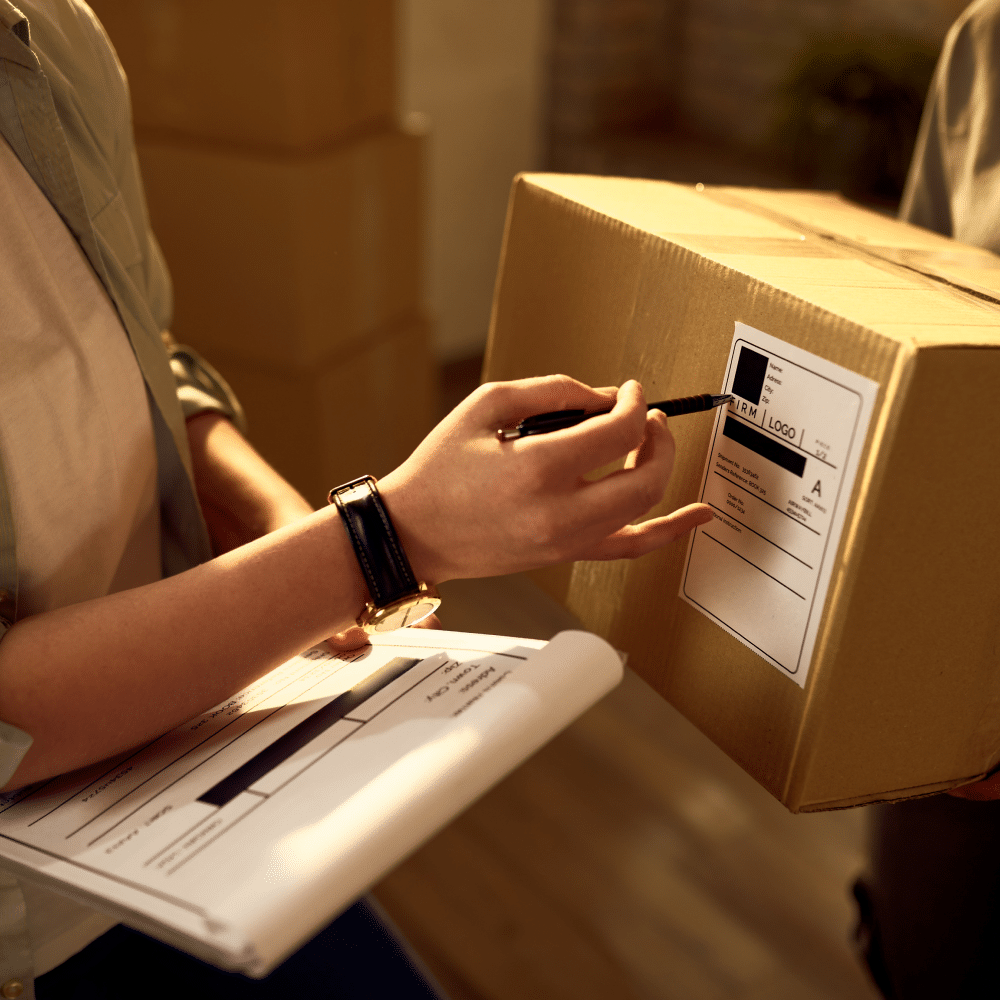
Ask the seller for a photo that shows:
- barcode area
- tracking number line
- carrier logo
- destination country
Then type the tracking number into postalparcel to identify the carrier and tracking events.
7) Spot “no tracking” situations early (and act before time runs out)
Sometimes the real issue is that tracking never existed, or the seller used untracked mail.
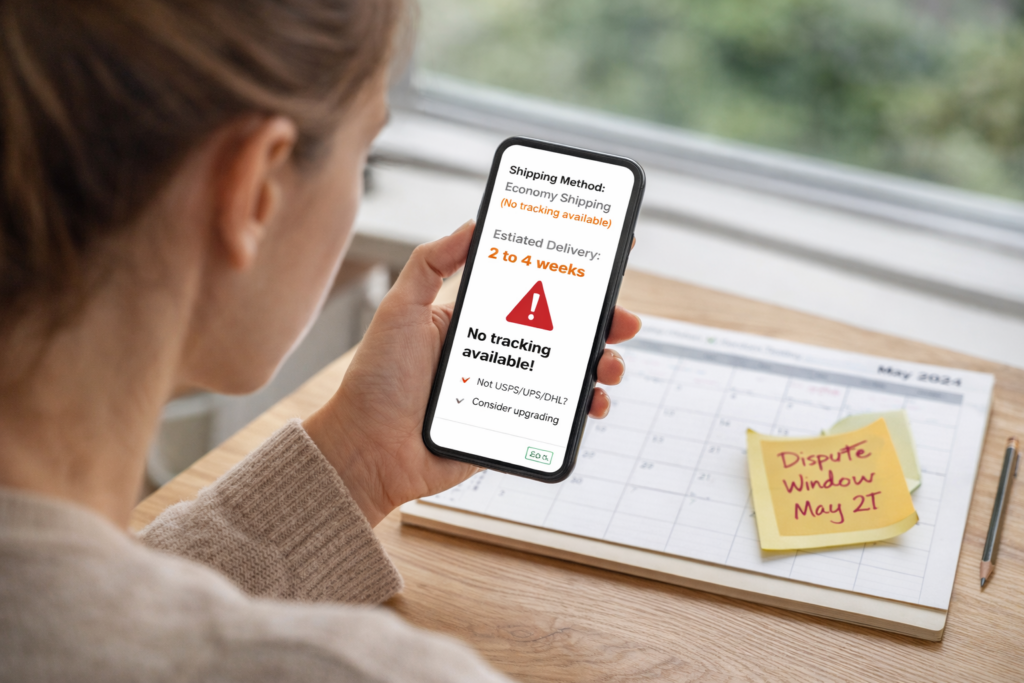
7.1 Signs you might not get a tracking number
Watch for these signs:
- seller says “no tracking for economy shipping”
- shipping method shows “standard mail” with no scans
- no carrier name appears anywhere
- delivery estimate looks very wide (weeks)
7.2 What to do next
Take action instead of waiting:
- Ask for an upgrade to tracked shipping (if possible)
- Request the carrier name and shipping method
- If the delivery window already passed, open a support case with your order details
Also keep your timeline clear. If the store has a dispute window, don’t miss it.
Extra tips that save time (and avoid headaches)
A) Don’t guess the carrier too early
Many shipments change hands between countries. Guessing the wrong carrier wastes time. First recover the tracking number, then let a multi-carrier tracker identify the route.
B) Track from the first scan, not from “label created”
“Label created” only means someone printed a label. Wait for the first acceptance scan to confirm movement. If scans never appear after several days, ask the seller for proof of handover.
C) Keep your identifiers in one note
Create one note with:
- order number
- purchase date
- shipping address
- email/phone used
- payment record screenshot
Then you can paste it into support chats quickly.
FAQ

What if I only have my name and address?
Start with the seller and your payment record. Carriers rarely locate parcels by name alone, but the seller can match your address to the shipment.
Can postalparcel track without a tracking number?
Tracking still needs an identifier. The fastest path is to recover the tracking number (or a usable reference) using the 7 methods above, then paste it into postalparcel.
The seller gave me a number, but nothing shows up. What now?
Ask for the carrier name and confirm whether the number is a warehouse/internal code or the final-mile tracking number. Also ask when the carrier first scanned it.
Conclusion
Parcel tracking without a tracking number becomes easy once you treat it like a recovery task. Check your email and order page first, then use your order number and payment record to get the tracking code from the seller. After you recover any valid number, track it on postalparcel to see the carrier, route, and delivery updates in one place.